Is Now Vyapar TaxOne | Same Trust, New Name!
 AI Weapon for Financial Soldiers



Tax professionals across India are battling unprecedented volumes of bank transactions amid stringent GST compliance, frequent audits, and tight ITR deadlines.
Bulk bank statement Tally automation emerges as a game-changer, with Vyapar TaxOne leading the charge by enabling seamless mass transaction import, intelligent auto ledger mapping, and efficient handling of 3000+ entries.
This blog dives deep into bank data automation strategies, offering actionable insights to streamline your TallyPrime and ERP 9 workflows in 2026.
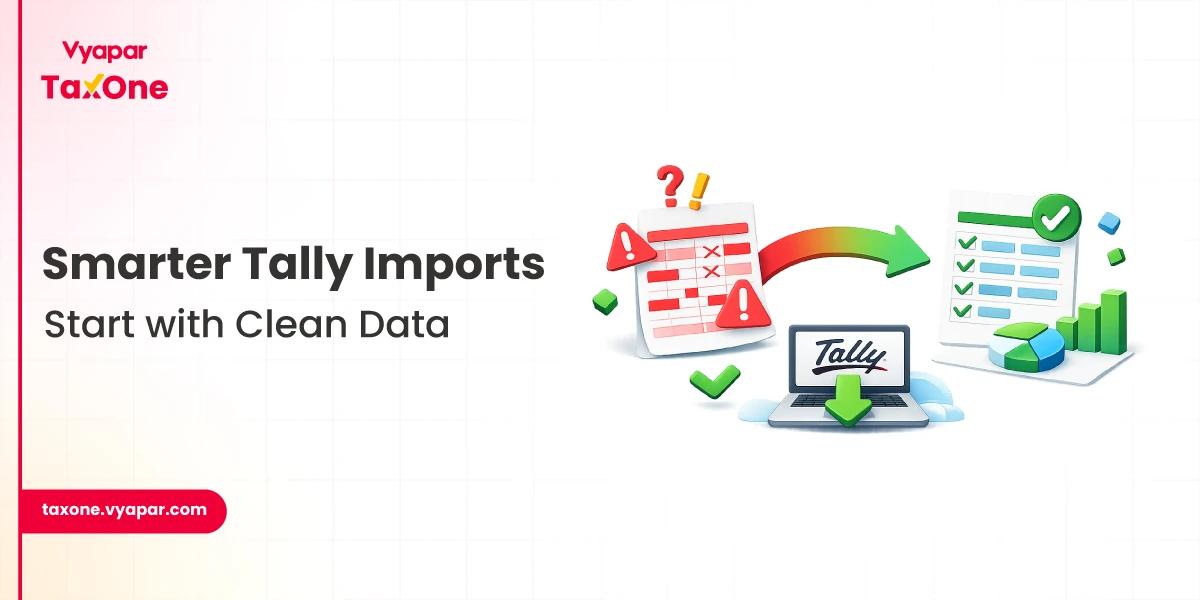
In today's digital economy, businesses generate thousands of transactions daily across 400+ Indian banks like HDFC, SBI, ICICI, and Axis. Manual entry into Tally leads to:
Vyapar TaxOne revolutionizes this through bank data automation, converting raw statements into Tally-ready vouchers with minimal intervention.
By focusing on mass transaction import, it addresses these pain points head-on, ensuring accuracy and speed.
Consider a mid-sized CA firm managing 50 clients: without automation, reconciling multi-bank statements monthly equates to weeks of drudgery. Auto ledger mapping in Vyapar TaxOne slashes this to hours, freeing professionals for value-added advisory like tax planning and virtual CFO services.
Launched as an AI-powered suite, Vyapar TaxOne integrates natively with TallyPrime and ERP 9. It supports bulk bank statements Tally imports from diverse sources, making bank data automation accessible even for non-tech-savvy users.
Key differentiators include:
This platform isn't just software; it's a compliance ally, generating immutable audit trails that withstand GST scrutiny.
Vyapar TaxOne's AI engine learns from your Tally chart of accounts, automatically categorizing transactions like "Salary Debit" to "Staff Welfare Expense" or "Vendor Credit" to "Purchase Ledger."
For mass transaction import, it achieves 99% first-pass accuracy, reducing manual reviews dramatically.
Vyapar TaxOne packs a robust feature set for bank data automation. Here's a breakdown:
Multi-Bank Bulk Processing
Advanced Auto Ledger Mapping
Traditional tools require rule-setting; Vyapar TaxOne uses machine learning for dynamic mapping. It flags anomalies like duplicate entries or outliers, ensuring clean data flows into Tally.
Reconciliation and Reporting Tools
Security and Compliance
These features collectively enable tax pros to achieve bank data automation at scale, transforming chaotic spreadsheets into structured Tally ledgers.
Before diving into mass transaction import:
This foundation prevents 90% of common import errors.
Pro Tip: For first-time use, start with a 500-entry pilot to calibrate AI precision.
Best Practices for Ongoing Success:
To quantify bank data automation's edge, review this comparison table for processing 3000+ entries:
| Metric | Manual Bulk Bank Statement Tally | Vyapar TaxOne Mass Transaction Import |
|---|---|---|
| Processing Time | 20-30 hours | 2-4 hours |
| Accuracy Rate | 90-95% | 99%+ with auto ledger mapping |
| Supported Formats | Excel/CSV only | Excel, PDF, Scanned PDFs |
| Audit Readiness | Manual logs | Automated trails & reports |
| Cost per Client | High (labor-intensive) | Low (subscription-based) |
This table underscores why forward-thinking CAs prioritize automation for competitive advantage.
Time and Cost Savings
Bulk bank statement Tally via Vyapar TaxOne delivers an 80% time reduction, equating to 100+ billable hours reclaimed annually per professional. For a firm billing ₹500/hour, that's ₹5 lakh+ in opportunity gains.
Enhanced Accuracy and Compliance
Auto ledger mapping minimizes human errors, important for 2026's anticipated GST simplifications and real-time reporting mandates. Firms report zero audit adjustments post-implementation.
Scalability for Growth
Handle 10x client volume without proportional staff hikes. Integrate with Vyapar's ecosystem for e-invoicing and GST automation, future-proofing your practice.
As India advances toward faceless assessments and AI-driven audits, tools like Vyapar TaxOne position tax professionals as efficiency leaders. Its bank data automation roadmap includes predictive analytics for cash flow and anomaly detection.
Actionable Next Steps:
Embrace bulk bank statement Tally automation now, elevate your practice from reactive to proactive. With Vyapar TaxOne, 2026 compliance is not just manageable; it's masterful.
Vyapar TaxOne enables seamless mass transaction import from multiple bank statements directly into TallyPrime or ERP 9, using AI for auto ledger mapping and handling 3000+ entries efficiently.
It processes Excel, PDF, and scanned statements via OCR, covering 400+ Indian banks like HDFC, SBI, and ICICI for comprehensive bank data automation.
Processing 3000+ entries drops from 20-30 hours manually to 2-4 hours with Vyapar TaxOne, achieving 80% time savings and 99%+ accuracy.
Yes, it generates detailed audit trails, exception reports, and immutable logs, ensuring complete alignment with ICAI and GSTN standards.
Sign up for a free trial at taxone.vyapar.com, connect your Tally company, upload statements, and let AI handle mapping. Pilot with a small batch first.


Get started today and simplify your accounting process!