Is Now Vyapar TaxOne | Same Trust, New Name!
 AI Weapon for Financial Soldiers


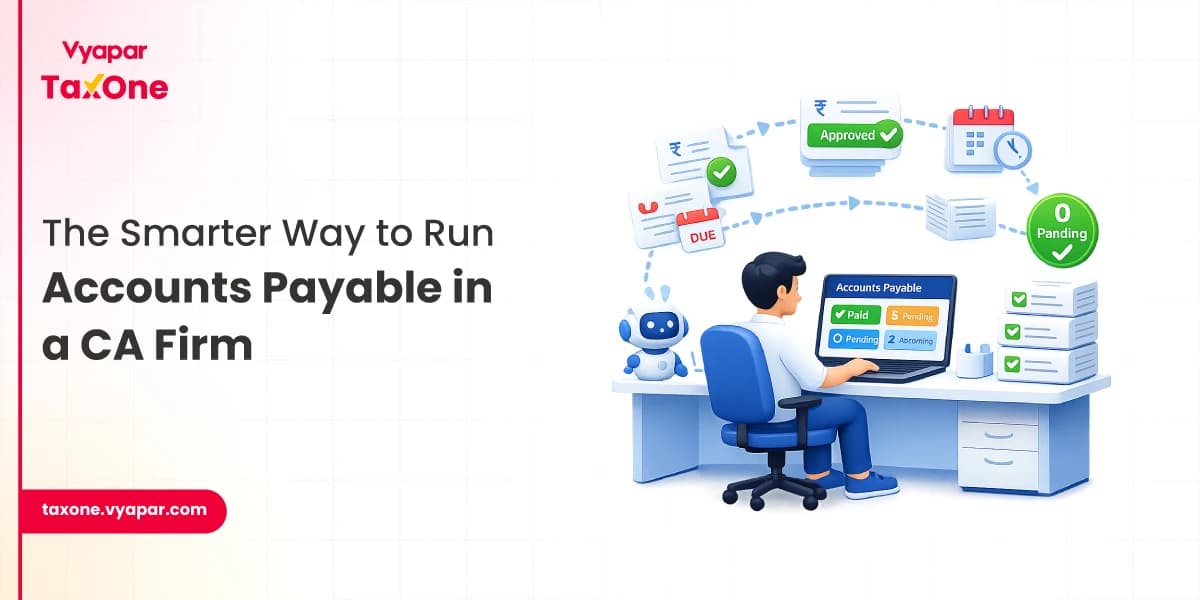
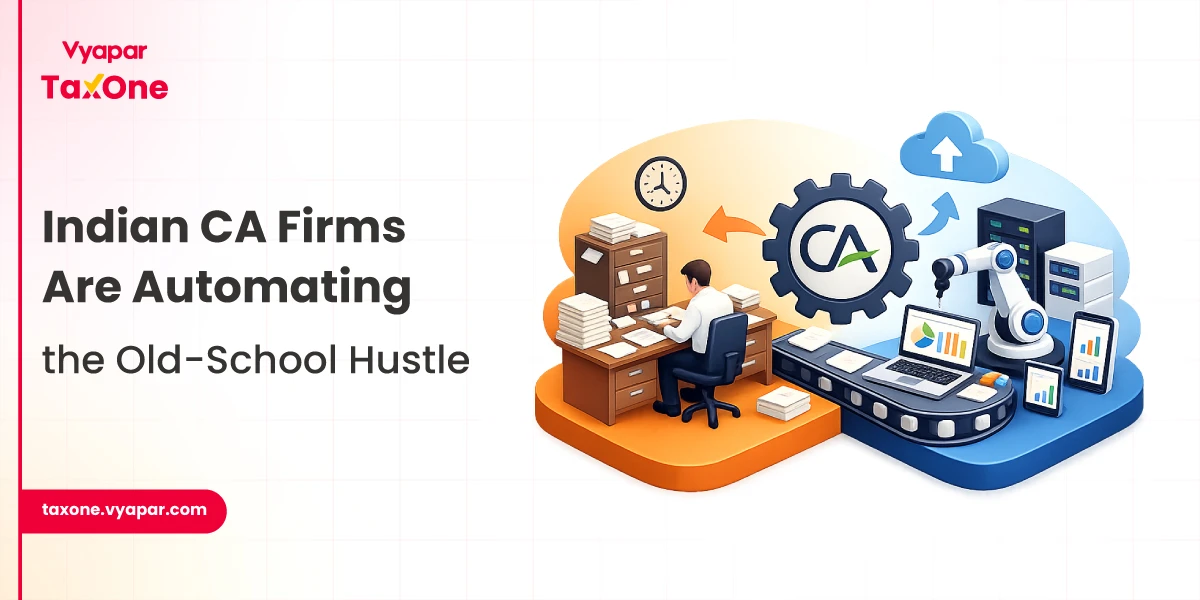
For many tax professionals in India, accounts payable still means scattered files, repetitive data entry, and too much time spent sorting, typing, and correcting.
That is why an automated AP process matters in a CA office. It does not replace professional review. It reduces avoidable manual work.
A well-designed automated AP process helps collect documents in a structured way, extract data from multiple formats, and convert it into ledger-ready entries faster. In simple terms, it turns AP from a typing-heavy task into a more controlled workflow.
An automated AP process in a CA office means that repetitive stages of the accounts payable workflow are handled by software logic.
At the same time, judgment, verification, and approval remain with the accounting team. The objective is not to eliminate human involvement. The objective is to reduce the time spent on work that adds little value, such as:
This is where AP automation becomes relevant for Indian firms. When a practice handles multiple clients, recurring purchase entries, and tight GST timelines, manual AP work quickly creates delays. A structured process brings speed, consistency, and better control.
Before looking at automation, it helps to understand why the traditional model slows down a CA office.
Common problems in a manual AP workflow
Manual AP is not difficult because the accounting principles are unclear. It is difficult because the input layer is messy. When the source data is unstructured, the office keeps losing time before real accounting work even begins.
| Workflow Stage | Manual AP Process | Automated AP Process |
|---|---|---|
| Document collection | Files received randomly on email, WhatsApp, Excel, PDFs | Structured intake through organised collection channels |
| Sorting | Team members identify, rename, and classify files manually | Files are sorted and organised by type, period, and use case |
| Data extraction | Invoice and bank details typed manually | Data extracted from Excel, PDF, and image formats |
| Ledger preparation | Repeated manual mapping and voucher creation | Smart mapping and ledger-ready conversion |
| Review | Review happens after heavy data entry effort | Review happens after data is prepared |
| Final output | Slow posting, rework, and correction cycles | Faster posting, reconciliation, and compliance readiness |
This difference is why more firms are evaluating AP automation not as a convenience, but as an operational requirement.
The process begins with structured document intake. Instead of waiting for staff members to chase clients across multiple channels, the workflow is organised from the beginning.
Purchase invoices, bank statements, Excel sheets, and ledgers are collected consistently, reducing confusion and improving visibility. Vyapar TaxOne classifies this broader workflow as a four-stage process covering document collection, data entry, and GST filing support.
Once documents are received, the next stage is sorting and organisation. This sounds basic, but in most CA offices, it takes a surprising amount of time. Sale and purchase invoices, bank statements, Excel files, and ledgers must be correctly separated before anyone can post entries.
Vyapar TaxOne workflow automatically sorts and segregates sale and purchase invoices, Excel files, bank statements, and ledgers, helping firms reduce the manual effort spent before data entry even begins.
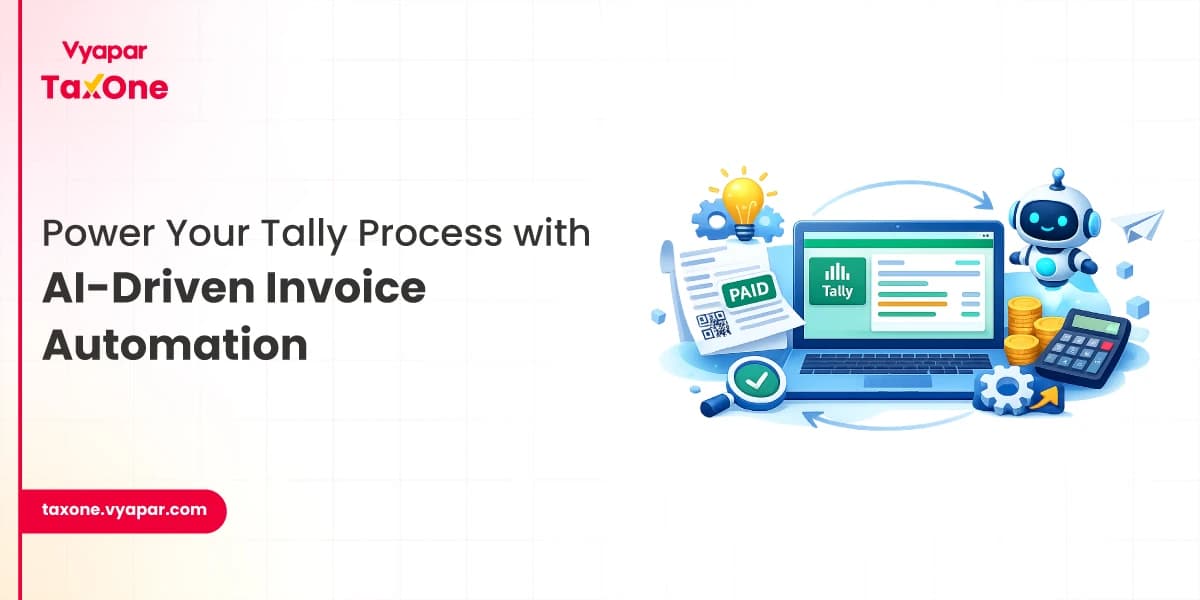
This is where a true automated AP process becomes visible. Instead of reading each document and typing values into software, the system extracts usable accounting data from source files.
Vyapar TaxOne's automation processes Excel, PDF, and image files and converts bulk data from bank statements and sale or purchase documents into structured entries.
For a CA office, this matters because client data rarely arrives in one clean format. One client sends purchase data in Excel, another uploads invoice PDFs, and another shares photos of documents. A practical AP automation workflow must handle this variety.
Extracted data still needs accounting logic. Without mapping, extraction alone does not save enough time. In a strong accounts payable workflow, transactions are tagged, categorised, and converted into usable ledgers or vouchers.
Vyapar TaxOne maps client data, smart-tags it, and converts banking, sales, and purchase data into accurate ledgers with Tally integration. Its data entry automation also does intelligent ledger suggestions based on past data.
This stage is especially useful for recurring vendor transactions, routine expense booking, and bulk purchase processing, where repeated manual mapping often leads to inconsistencies across team members.
Automation does not replace review. It shifts the review to the right place in the process. Instead of spending most of the cycle typing, the team can focus on checking exceptions, validating unusual entries, confirming ledger choices, and approving what gets posted.
Vyapar TaxOne lets users review and verify data before bulk sale and purchase transactions are sent to Tally.
That control point is important. In a CA office, trust comes from verification, not from blind processing.
Once the data is reviewed, entries can move into accounting software more quickly. This shortens the gap between receiving documents and beginning reconciliation or GST-related work.
Vyapar TaxOne allows users to push sale and purchase entries to Tally in bulk, convert bank statements into categorised vouchers, and support GST workflows with 30+ validations.
This is where AP automation begins to affect the entire office. Faster AP readiness means faster books, faster checks, and fewer last-minute corrections.
A properly implemented automated AP process changes more than just data entry speed.
Operational improvements you can expect
In short, the office becomes more process-driven and less dependent on firefighting.
Automation works best when the basics are already clear. Before implementing an automated AP process, a CA office should standardise a few core areas.
Four important preparation steps
1. Define intake rules
Decide how clients should send documents, in which format, and at what frequency.
2. Fix review checkpoints
Clarify who verifies extracted data, who checks mapping, and who approves final posting.
3. Standardise ledger logic
Recurring entries should follow a consistent booking approach across clients and team members.
4. Start with repeatable AP work
Purchase invoices, bank statements, and recurring expense entries are better starting points than rare exception-heavy cases.
Without this discipline, firms risk automating disorder instead of solving it.
Even the best AP automation software will underperform if the workflow around it is weak. Some mistakes appear repeatedly in practice:
The right mindset is simple: automate repetitive work, not professional judgment.
At Vyapar TaxOne, the focus remains on reducing manual typing across the exact stages that slow down CA offices.
It helps document collection, auto-sorting, data extraction, smart tagging, and ledger conversion as connected parts of a single workflow. It supports Excel, PDF, and image-based inputs, converts bank statements into categorised Tally vouchers, offers intelligent ledger suggestions, and allows reviewed sale and purchase entries to be pushed to Tally in bulk.
The broader workflow also includes document collection support and GST automation with 30+ validations, helping move raw client files to review-ready accounting data more efficiently.
For a CA office, that means data entry automation is not limited to one isolated feature. It supports the full AP journey, from receipt of documents to preparation of clean entries for verification.
A real automated AP process inside a CA office is not just software doing data entry. It is a structured system for collecting, sorting, extracting, mapping, and preparing accounts payable data so professionals can spend more time reviewing and less time typing.
For tax professionals in India, that shift is becoming increasingly important as client volume, compliance pressure, and turnaround expectations continue to rise.
The practical value of AP automation is clear. It reduces repetitive effort, improves consistency, shortens processing cycles, and creates a cleaner foundation for reconciliation and GST work.
When implemented with proper review controls, it turns AP from a bottleneck into a more reliable and scalable workflow.
It is a workflow where repetitive accounts payable tasks like document sorting, data extraction, and entry preparation are automated, while review and approval stay with the accounting team.
No. It reduces repetitive typing and file handling, but final verification and approval remain essential in a CA office.
High-volume and repeatable tasks such as purchase invoice entry, bank statement conversion, document sorting, and ledger preparation can be automated effectively.
It makes data available earlier in a structured format, which helps teams complete reconciliation, validation, and compliance work faster.
Vyapar TaxOne helps automate document collection, sorting, data extraction, ledger preparation, and bulk entry workflows, making AP processing faster and more organised.

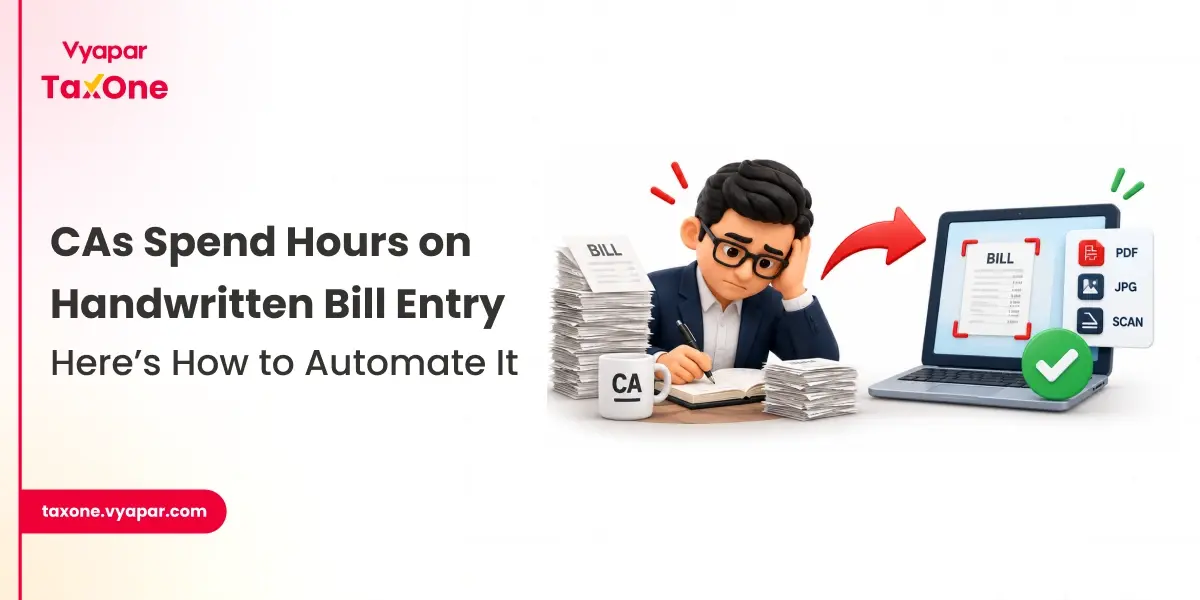
Get started today and simplify your accounting process!