Is Now Vyapar TaxOne | Same Trust, New Name!
 AI Weapon for Financial Soldiers



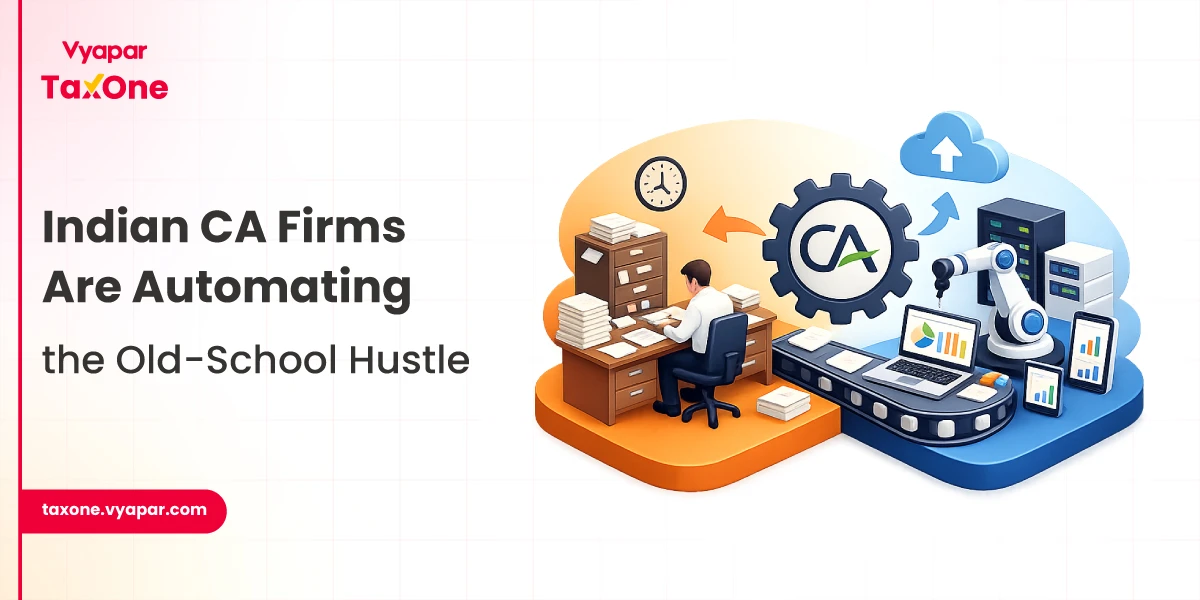
Chartered Accountants (CAs) in India face unprecedented pressure in 2026 due to tighter GST, ITR, and audit deadlines.
WhatsApp document automation transforms chaotic client follow-ups into efficient, error-free processes, directly tackling invoice number duplication, bulk duplicate scan needs, and portal rejection prevention.
This guide explores actionable strategies using Vyapar TaxOne Chat.
India’s evolving tax ecosystem demands flawless compliance. Manual document collection across fragmented WhatsApp threads leads to delays in critical documents such as Form 16, PAN details, bank statements, and GST invoices.
WhatsApp document automation centralizes everything. It deploys timed reminders, AI validation, and a duplicate invoice finder, boosting on-time filings by 85% while cutting manual hours by 80%.
Related challenges include reconciling Excel sheets riddled with repeats. Bulk duplicate scan features proactively flag issues, ensuring portal rejection prevention before uploads hit Income Tax or GSTN systems.
Automation isn’t just convenience; it’s a compliance lifeline.
Here’s how it delivers:
For tax pros, this means focusing on advisory services, not admin drudgery. WhatsApp automation for document collection enhances client trust and improves retention.
| Metric | Manual Process | With Automation | Improvement |
|---|---|---|---|
| Document Collection Time | 10–15 hours/client | 1–2 hours/client | 80% faster |
| Duplicate Detection | Manual review (90% miss rate) | AI bulk duplicate scan (99% accuracy) | 90% reduction |
| Portal Rejections | 25% of filings | <5% with validation | 80% drop |
| On-Time Filings | 60% | 85%+ | 42% uplift |
This underscores portal rejection prevention through tools like duplicate invoice finder.
Visit Vyapar TaxOne Chat, trusted by 5,000+ workspaces. It integrates seamlessly with the WhatsApp Business API.
WhatsApp document automation shines with:
Beyond basics, it converts casual chats into actionable tasks. For instance:
This holistic approach supports “WhatsApp document follow-up automation for CAs India,” reducing data entry by 70%.
Roll out WhatsApp document automation in under an hour. Follow this structured roadmap:
Enable duplicate invoice finder:
Optimize your setup with these proven tactics:
Compliance Checklist:
Expand on training: Host 30-minute sessions focusing on chat-to-task conversion. Role-play scenarios: “Client delays Form 16 → Trigger escalation reminder with portal rejection prevention alerts.”
Invoice number duplication plagues 30% of GSTR filings. Vyapar TaxOne’s bulk duplicate scan uses AI to:
Real Scenario: During GSTR-1, auto-scan 500 invoices → Flag 20 repeats → Prevent rejection → Save 4 hours of manual fixes.
“Is it secure?” Yes, end-to-end encryption matches bank standards.
“What about costs?” Start with free trial; scales affordably for SMEs.
“Integration hassles?” Plug-and-play with Tally, no IT team required.
Addressed proactively, these build trust.
As the 2026 Budget introduces AI mandates for audits, WhatsApp document automation positions CAs ahead. Vyapar TaxOne evolves with features like predictive duplication alerts.
Implement Vyapar Taxone's Chat today. Conquer invoice number duplication, master bulk duplicate scan, and achieve portal rejection prevention.
It automates client document requests and follow-ups via WhatsApp, using tools like Vyapar TaxOne Chat for reminders, tracking, and error checks such as duplicate invoice numbers.
This AI feature scans Excel/PDF uploads for invoice duplicates, preventing GSTR filing rejections and saving hours of manual review time.
Yes, it validates data pre-upload, flags duplicates, and maps to Tally, reducing portal errors by up to 80% during peak seasons.
Absolutely, connect WhatsApp API in minutes, customize templates, and start automating without coding or IT support.
Users report 70–90% faster collections, zero GSTR rejections, and more time for advisory work after implementing the tool.

Get started today and simplify your accounting process!