
You can access the Activity Log and view the activities that have been done on the Vyapar TaxOne platform. Read on to know more about the steps and process of accessing activity log.
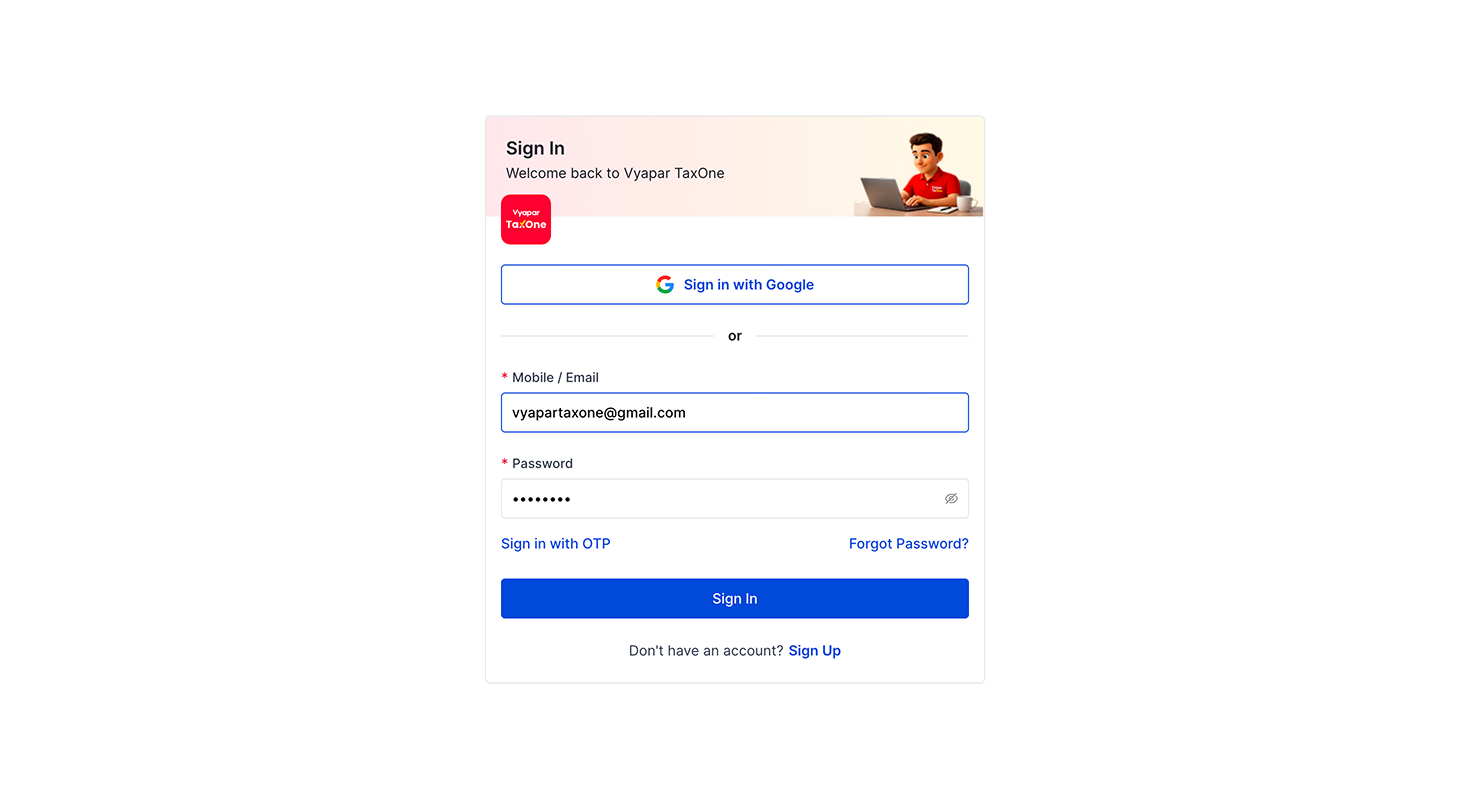
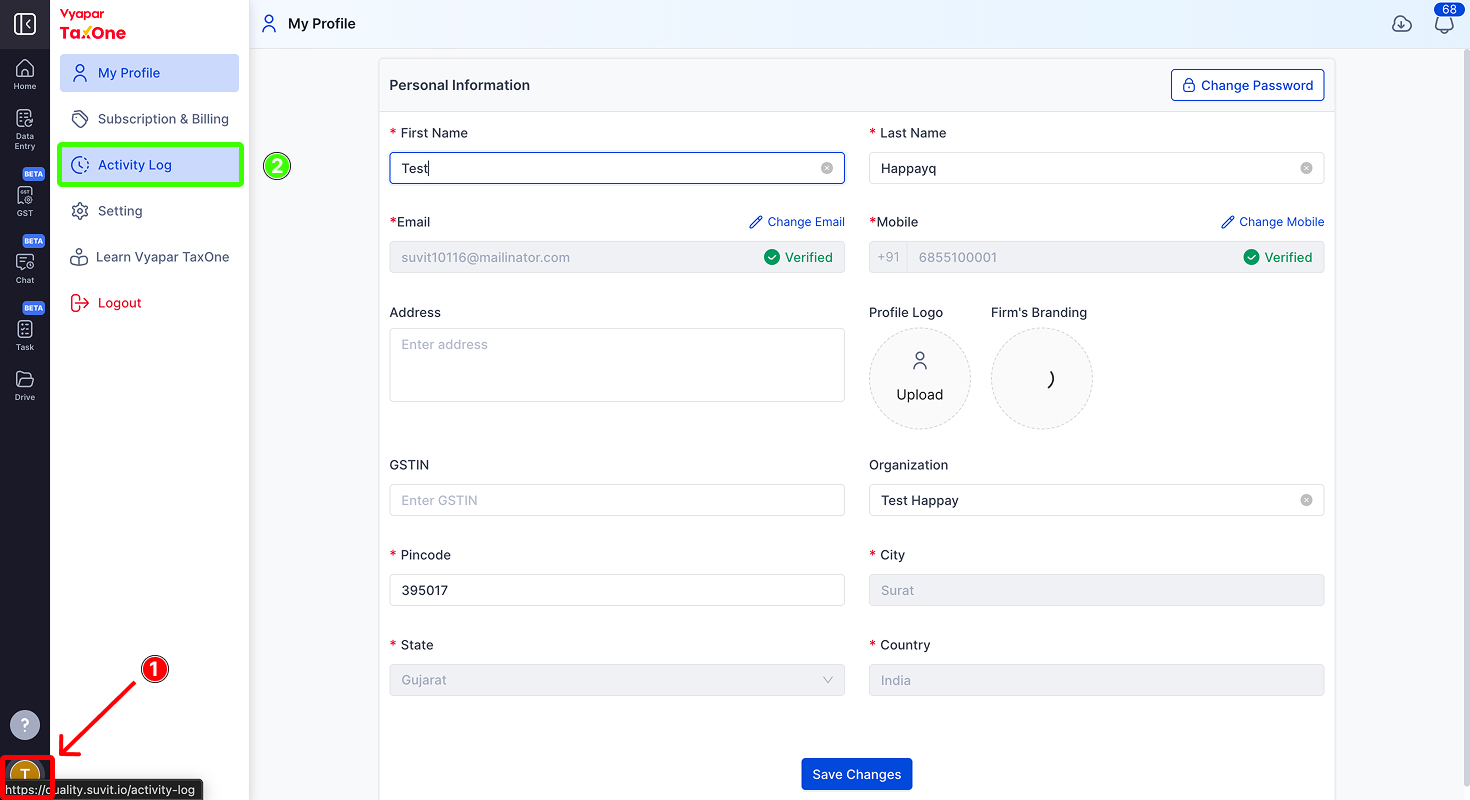
Within the profile , you will find an option or link labeled Activity Log page.
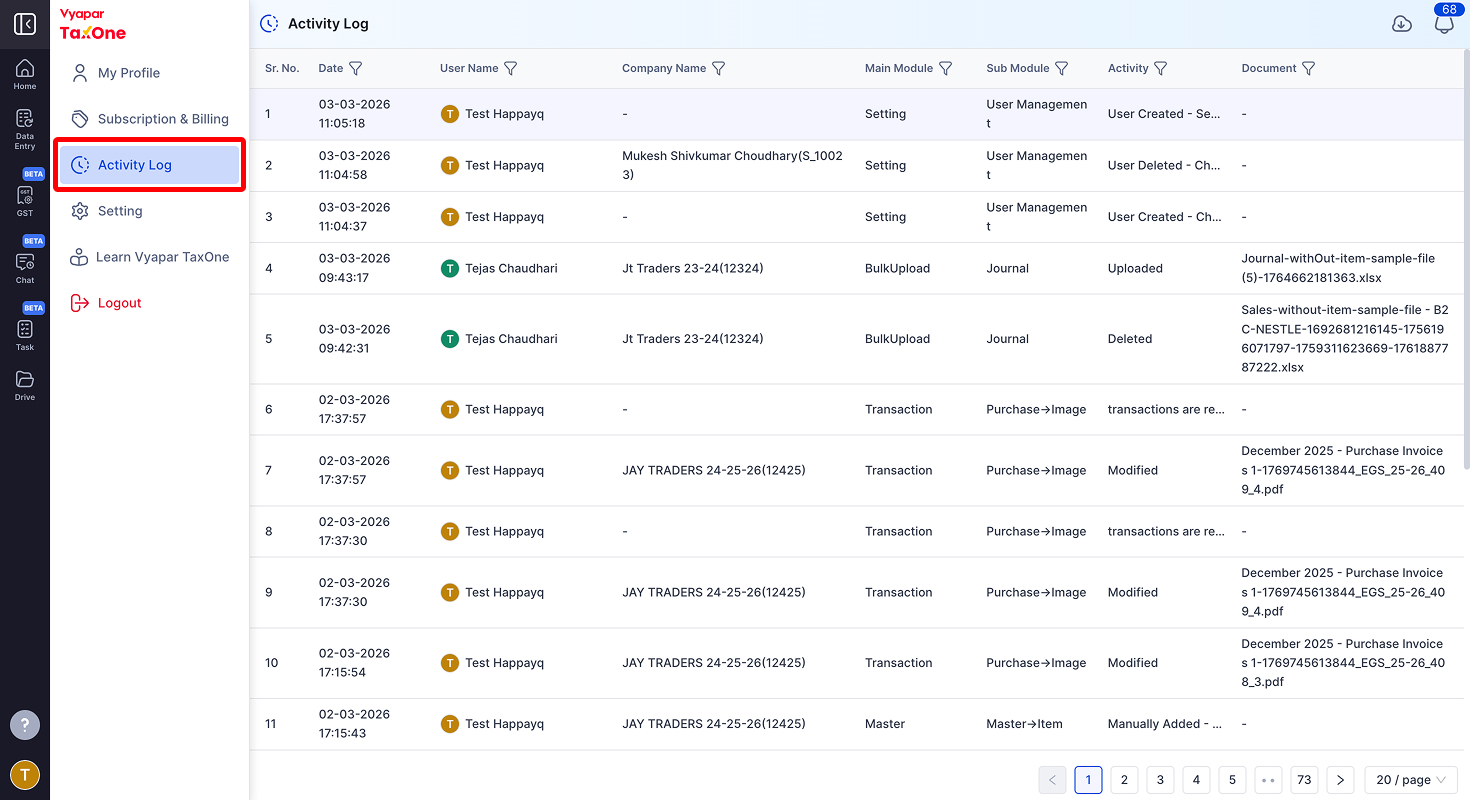
Once on the Activity Log page, you can view a record of user actions on the Vyapar TaxOne platform, including details such as unique ID, timestamp, user, company, module, sub-module, action performed, and related documents, ensuring effective tracking, monitoring, and security.
This feature enables you to monitor and track your recent actions while efficiently managing and keeping records of activities for both your account and user accounts.
AI Weapon for Financial Soldiers