Is Now Vyapar TaxOne | Same Trust, New Name!
 AI Weapon for Financial Soldiers


If your team still spends hours copying invoice details, bank statement entries, GST data, and receipt information into accounting software, it is time to automate data entry.
For accounting professionals, manual data entry is not just slow. It increases the risk of wrong ledger mapping, missed GST details, duplicate entries, delayed reconciliation, and last-minute filing pressure.
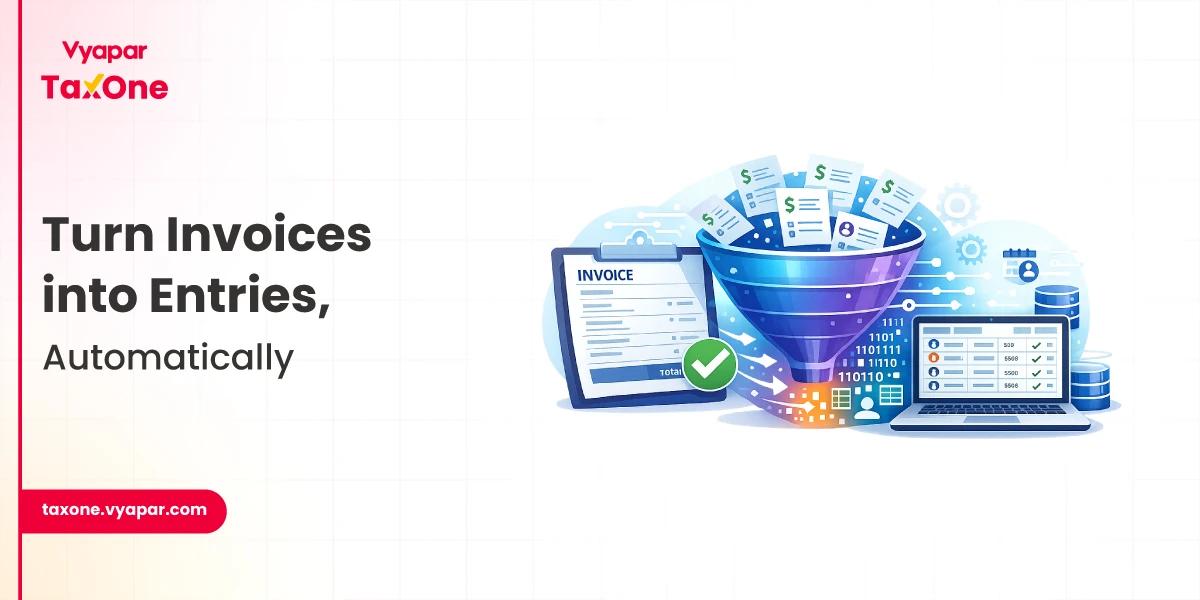
AI-based data entry automation helps convert invoices, PDFs, Excel files, images, and statements into structured accounting data that can be reviewed and synced with tools like Tally or Vyapar.
In this guide, you will learn how AI helps accounting firms automate data entry, which tasks should be automated first, what checks are needed before posting entries, and how to choose the right tool for your workflow.
Manual data entry is one of the most time-consuming parts of accounting work. Accountants often need to enter the same type of data repeatedly from invoices, receipts, bank statements, purchase bills, sales bills, and client documents.
This creates several problems:
This is why many accounting professionals now use AI-based tools to automate data entry and reduce repetitive manual work while keeping final review in human control.
AI-powered data entry uses technologies such as OCR, machine learning, and automated validation to extract accounting data from documents and convert it into structured entries.
For example, AI can read an invoice and identify details such as:
The purpose is not to replace accountants. The purpose is to automate repetitive data entry tasks so accounting professionals can spend more time reviewing, correcting, approving, and advising clients.
Why should you automate data entry? Here's how AI adds value:
A good AI-based data entry automation workflow usually follows these steps:
Clients upload invoices, receipts, purchase bills, sales bills, bank statements, or Excel files via a mobile app, email, a dashboard, or a WhatsApp-based workflow.
The system reads the document and extracts key fields, including invoice number, date, GSTIN, vendor name, amount, tax amount, and total invoice value.
Based on previous entries and transaction patterns, the tool suggests the correct ledger, expense category, or accounting head.
Before posting, the system checks for missing fields, duplicate invoices, incorrect totals, tax mismatches, or unusual transactions.
Accountants can review flagged entries, correct mistakes, approve data, and ensure the information is accurate before syncing.
After review, the data can be synced with accounting software such as Tally, Vyapar, or other accounting platforms.
This workflow helps accountants automate data entry while still maintaining control over accuracy, compliance, and final approval.
Here are some leading AI-powered solutions making waves in accounting:
Ready to get started? Here’s how to make AI automation work for your practice:
Vyapar TaxOne helps accounting professionals and CA firms reduce manual data entry by simplifying document collection, data extraction, validation, and accounting software sync.
Here’s how it supports accounting workflows:
For CA firms and accounting teams handling large volumes of client documents, Vyapar TaxOne can help automate data entry while keeping accountants in control of final review and accuracy.
Automating data entry with AI-based tools is no longer a futuristic idea; it’s a practical necessity for accounting professionals who aim to boost efficiency, reduce errors, and scale their practices.
By leveraging AI technologies like OCR, machine learning, and natural language processing, you can eliminate tedious manual tasks and focus on delivering strategic value to your clients.
Start small, pick the right tools, and build your team’s confidence in AI automation. And if you’re looking for a powerful, India-centric solution that integrates effortlessly with Tally and Vyapar, Vyapar TaxOne is your go-to platform.
Ready to save time, cut errors, and supercharge your accounting practice? Give Vyapar TaxOne a try and experience hassle-free, AI-powered data entry automation today!
Automating data entry in accounting means using software to extract, organize, validate, and post data from documents such as invoices, receipts, bank statements, PDFs, images, and Excel files into accounting systems with minimal manual typing.
AI can reduce much of the manual data entry, but accountants should still review important fields, exceptions, GST details, ledger mapping, and high-value transactions before final posting.
Common documents include purchase invoices, sales invoices, receipts, bank statements, expense bills, Excel sheets, and GST-related records.
Yes. CA firms can use automation to handle repetitive client work faster, reduce manual errors, improve document tracking, and give teams more time for review, reconciliation, and advisory work.
AI uses OCR and data-extraction models to read invoice fields, including invoice number, date, vendor name, GSTIN, taxable amount, tax breakup, and total value. The extracted data can then be reviewed and synced with accounting software.


Get started today and simplify your accounting process!