Is Now Vyapar TaxOne | Same Trust, New Name!
 AI Weapon for Financial Soldiers


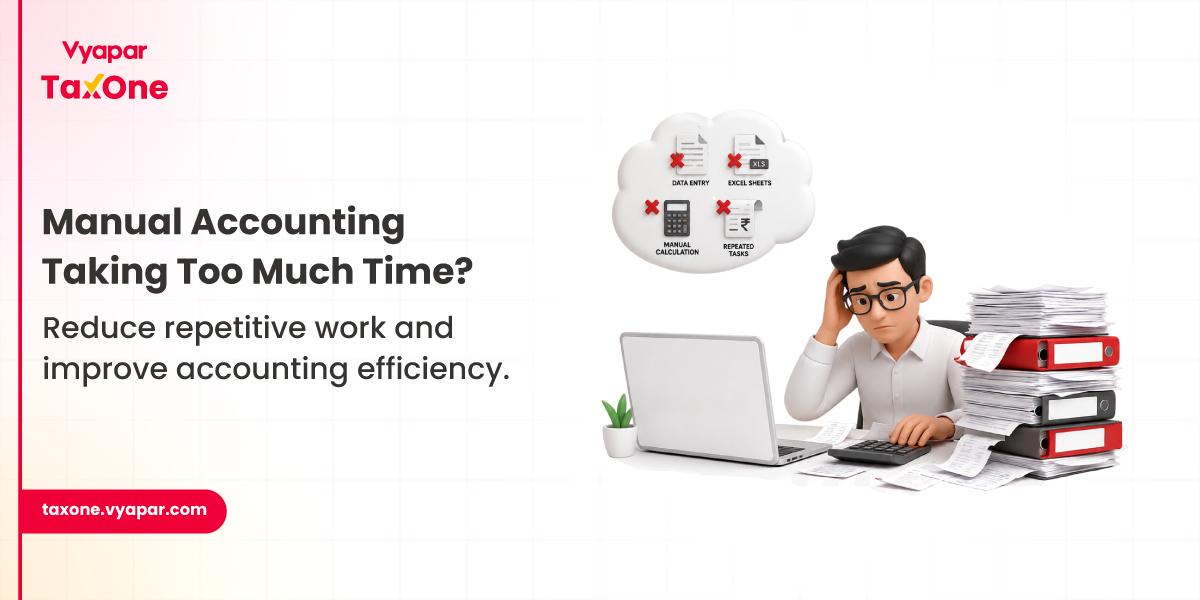
Most accounting teams don’t start exploring automation because something is “broken.”
It usually begins much more subtly.
As transaction volumes grow, teams slowly start noticing that routine work is taking up more time than expected, things like invoice entry, voucher creation, bookkeeping updates, payment tracking, report preparation, and ongoing data checks.
At first, it feels manageable. But over time, it starts to add pressure:
That’s usually when automated accounting software starts becoming important, not because it replaces accountants, but because it reduces repetitive work that eats up capacity.
Most finance teams already understand their accounting workflows well. The challenge isn’t knowledge, it’s repetition.
A large portion of daily work often involves the same execution-heavy tasks again and again. This is where accounting process automation becomes useful.
It typically reduces effort in areas like:
Instead of spending time repeatedly doing these tasks manually, teams can focus more on reviewing data, identifying issues, and handling exceptions.
That shift is what makes automation more relevant as businesses scale.
As businesses grow, accounting complexity doesn’t jump overnight; it builds gradually.
Over time, teams start dealing with:
That’s where automation helps, by making sure growth in volume doesn’t turn into a long-term bottleneck.
Manual accounting often involves repeating the same entries, invoice data, payments, ledger postings, and bookkeeping records.
As volume grows, small mistakes become harder to avoid.
Automation helps reduce repetitive manual entry, which improves consistency and lowers the chances of avoidable errors.
Most accounting teams spend a big chunk of time on repetitive daily tasks like:
When these are partially automated, the speed of processing improves noticeably, especially once transaction volume starts increasing.
Many teams still rely heavily on spreadsheets for accounting operations. That works early on, but it doesn’t scale well.
As things grow, common issues start appearing:
This is often when businesses start moving away from spreadsheet-based accounting workflows.
Automation helps by centralizing everything in one system instead of multiple disconnected files.
Reporting usually takes time because data needs to be collected, cleaned, and consolidated manually.
When records are already structured inside a system, reporting becomes much faster.
This is especially useful during:
It also creates room for teams to shift focus toward analysis instead of preparation. Many organizations also eventually move toward systems that help them better automate financial reporting as reporting needs grow.
Reconciliation becomes slow when teams manually compare multiple sources, such as:
Automation reduces repetitive comparison work and helps improve consistency when dealing with high transaction volumes.
Finance teams often need quick access to financial data, such as:
With automation, this information becomes easier to access and review in real time.
Audit preparation becomes messy when records are scattered.
Teams usually spend time organizing:
Automation helps keep records structured and easier to retrieve when needed.
Manual workflows can work up to a point, but they struggle when scale increases.
As operations grow:
Automation helps teams handle that growth without multiplying manual effort.
A lot of accounting time goes into repetitive work.
Automation helps free up time for higher-value tasks like:
Manual processes often vary depending on who performs them.
Over time, that can create inconsistencies in:
Automation helps standardize these processes, improving overall control.
A business processing more than 1,000 invoices every month relied heavily on manual accounting entries for bookkeeping and payment recording.
As operational volume increased, the accounting team gradually noticed:
After introducing greater automation into routine accounting tasks, teams were able to reduce repetitive processing workload significantly and shorten reporting preparation timelines.
A growing business managing several thousand financial transactions monthly was handling accounting workflows partly through spreadsheets and manual bookkeeping updates.
As operational volume increased, teams began experiencing:
Introducing automation into routine accounting processes reduced manual workload and improved accounting consistency during higher transaction periods.
Even though automation helps, implementation needs planning.
Moving old records into a new system requires proper structure. Poor migration can create inconsistencies.
New tools must align with existing ERP or accounting processes.
Teams may take time to adapt to new workflows.
Automation works best when internal processes are already consistent.
Before shifting toward automated accounting systems, finance teams usually evaluate software carefully.
Common evaluation criteria include:
Will the system fit existing accounting workflows?
Can the software manage growing accounting volume effectively?
Will the software work alongside ERP and existing accounting systems?
Will reporting preparation become less manual?
Can sensitive financial records remain properly protected?
Automation is no longer just about reducing manual work.
We’re seeing more focus on operational intelligence, including:
Most accounting teams do not begin looking for automation because their existing accounting processes suddenly stop working.
The shift usually happens gradually as operational complexity increases.
As businesses grow, finance teams begin handling higher invoice volume, increasing payment transactions, larger bookkeeping workloads, and more frequent reporting requirements. In the early stages, manual accounting workflows continue functioning adequately.
The challenge begins when repetitive accounting work starts consuming disproportionate operational time.
Teams begin spending more hours on routine processing activities such as invoice recording, bookkeeping updates, payment tracking, transaction validation, and preparing reports manually before every review cycle.
Over time, these repetitive processes start affecting overall efficiency.
Month-end closing is taking longer.
Financial reporting preparation becomes slower.
Teams spend increasing time processing financial records rather than reviewing and analyzing them.
This is usually the stage where accounting teams naturally begin moving toward structured accounting systems that reduce repetitive operational work while improving consistency across growing accounting workloads.
In many accounting environments, this type of workflow pressure gradually pushes firms toward systems like Vyapar TaxOne, particularly when operational scale makes manual accounting increasingly difficult to sustain efficiently.
Manual accounting usually starts becoming difficult once transaction volume begins increasing consistently, and teams spend more time processing repetitive entries than reviewing financial performance. This often becomes visible during month-end closing cycles when reporting timelines start slipping regularly.
Teams typically begin reducing repetitive workload by automating routine accounting tasks such as invoice entry, recurring voucher creation, transaction recording, payment updates, and document organization, so accountants can focus more on validation and financial review work.
The earliest benefits usually appear in processes involving repetitive execution work, such as invoice processing, bookkeeping updates, payment tracking, document management, recurring ledger entries, reconciliation reviews, and financial report preparation.
Spreadsheet dependency usually reduces when accounting teams begin centralizing operational workflows instead of managing invoice records, transaction logs, payment tracking, and reporting data separately across multiple Excel files that require constant manual updates.
The most common implementation challenges involve migrating historical financial data, aligning automation systems with existing accounting workflows, standardizing inconsistent internal processes, and ensuring accounting teams adapt gradually to workflow changes without disrupting ongoing operations.
Most finance teams review whether software can handle growing transaction volume, fit existing accounting processes, integrate properly with ERP or accounting systems already being used, improve reporting efficiency, and maintain security around sensitive financial records.
Automation improves reporting speed by reducing the manual effort involved in collecting, organizing, validating, and consolidating financial records. When accounting data remains structured continuously, teams spend far less time preparing reports during month-end closing or management review cycles.



Get started today and simplify your accounting process!