Is Now Vyapar TaxOne | Same Trust, New Name!
 AI Weapon for Financial Soldiers


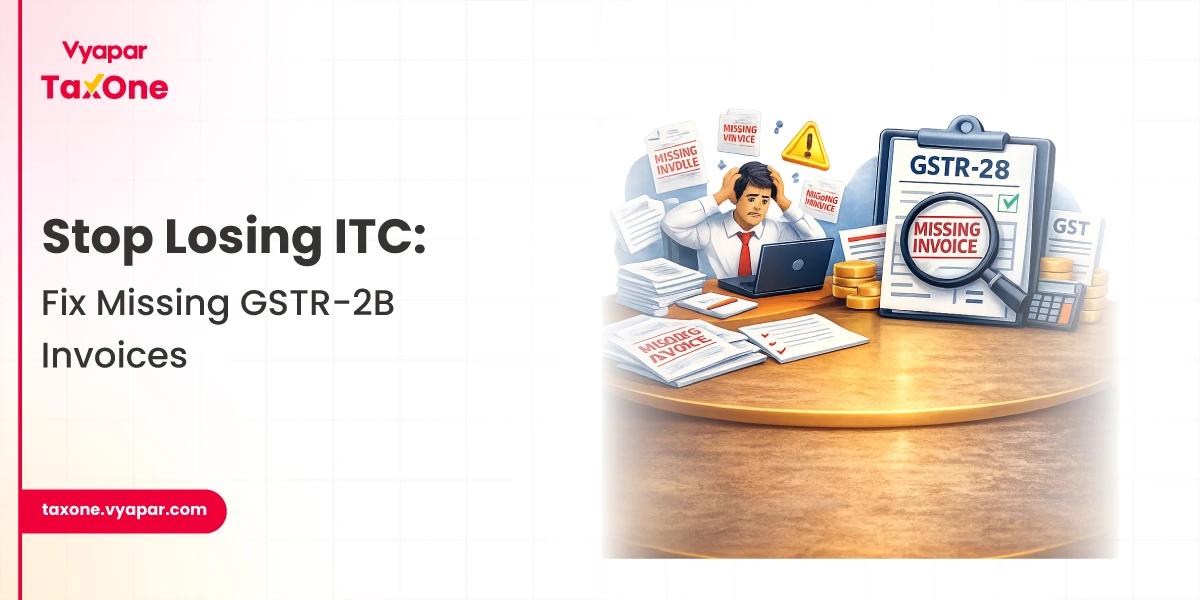
An invoice missing in GSTR-2B has become one of the most critical red flags for GST audits and input tax credit (ITC) disputes in 2026. A disciplined, technology-enabled approach to 2B reconciliation is now essential for every tax professional in India.
GSTR-2B is a static, auto‑drafted ITC statement generated for each tax period, based primarily on supplier GSTR‑1 filings and related data flows.
An invoice is treated as "missing in GSTR‑2B" when it exists in the purchase register or books but does not appear in the corresponding 2B for that period.
This situation directly affects ITC eligibility, since current practice is to allow ITC only where the invoice is properly reflected in GSTR‑2B. For tax professionals, every invoice missing GSTR‑2B is therefore a potential ITC risk, interest exposure, and source of litigation.
When an eligible purchase invoice is absent in GSTR‑2B, the recipient may not be able to claim ITC in GSTR‑3B for that period. This can lead to:
The introduction of the Invoice Management System (IMS) has shifted some responsibility onto the recipient, who must proactively review invoices before they flow into GSTR‑2B.
This makes structured 2B reconciliation and the investigation of missing ITC a routine but high‑stakes compliance activity.
GSTR‑2A is a dynamic statement that keeps changing as suppliers upload or amend invoices, while GSTR‑2B is a static, period‑wise ITC statement used for ITC availment.
For a given tax month, GSTR‑2B does not change unless regenerated based on updated IMS actions.
The IMS (Invoice Management System) or inward supplies dashboard effectively acts as a purchase invoice portal on the GST site, showing all invoices reported by suppliers for your GSTIN.
Taxpayers must accept, reject, or keep invoices pending, and only accepted or deemed‑accepted invoices move to GSTR‑2B.
If tax teams do not monitor the purchase invoice portal promptly or incorrectly reject invoices, they may unintentionally block otherwise eligible ITC from appearing in 2B. As a result, supplier upload verification and timely action in IMS now form a critical step in 2B reconciliation.
A professional handling an invoice missing GSTR‑2B should always move beyond surface‑level mismatch and perform proper root cause analysis. The main cause categories are outlined below.
In these cases, the invoice is missing in GSTR‑2B because it never reached the system as an eligible inward supply for that period.
Here, the supplier upload verification must focus on the accuracy of GSTIN, place of supply, and supply classification, not only on the values.
This category often emerges during detailed 2B reconciliation and can usually be resolved through corrections in GSTR‑1 and in the books.
Such issues require documentation (tickets, screenshots, logs) and may warrant a more conservative, well‑evidenced ITC position.
A consistent, repeatable workflow is vital when you detect an invoice missing GSTR‑2B during your monthly 2B reconciliation.
Start by segmenting invoices into:
This first cut enables you to quickly identify whether the issue lies with supplier non‑reporting, IMS actions, or pure matching logic.
For each disputed invoice, confirm whether and how the supplier has uploaded it:
This supplier upload verification helps distinguish between genuine supplier defaults and technical or matching issues on the recipient side.
If an invoice is visible in IMS but not in GSTR‑2B, verify whether it has been accepted, rejected, or left pending. Only accepted or deemed‑accepted invoices are eligible to flow into 2B; rejected invoices may result in permanent ITC loss if the supplier does not correct them promptly.
Since IMS now allows action after GSTR‑2B generation and even recomputation, tax teams should maintain strict cut‑off controls to avoid unintentional rejections or inaction.
Based on the root cause, decide whether to:
In all cases, keep a clear audit trail, reconciliation workings, email trails, IMS screenshots, and supplier confirmations.
A robust 2B reconciliation process should include:
This approach keeps ITC investigation manageable and transparent, even as transaction volumes grow.
To minimise future instances of invoice missing GSTR‑2B, consider:
Strong vendor governance reduces non‑compliance at source and protects the company's ITC pool.
Vyapar TaxOne (formerly Suvit) offers an AI‑powered GST automation platform specifically designed to streamline GSTR‑2B reconciliation, ITC tracking, and return filing. It consolidates data from Tally, Vyapar, Excel, and other sources, then intelligently reconciles GSTR‑1, GSTR‑2A/2B, and IMS in one place.
For tax professionals facing invoice-missing GSTR‑2B challenges, Vyapar TaxOne provides:
Because Vyapar TaxOne automates data import, invoice matching, and exception reporting, it can reduce manual reconciliation time significantly and help you claim maximum eligible ITC with confidence.
For firms that manage multiple clients and large volumes of purchase invoices, adopting Vyapar TaxOne's GST reconciliation feature is a practical step towards error‑free 2B reconciliation and robust, audit-ready GST compliance.
An invoice may be missing from GSTR-2B if the supplier has not correctly filed GSTR-1, reported it in the wrong period, used the wrong GSTIN, or it has not been accepted properly in IMS.
In most cases, ITC should be claimed only when the invoice appears in GSTR-2B, so you should first investigate the root cause and get the supplier or IMS status corrected before availing credit.
IMS acts as a purchase invoice portal where you accept or reject invoices; only accepted or deemed-accepted invoices usually flow into GSTR-2B, making timely action in IMS critical for accurate ITC.
Check 2A and IMS, verify the supplier's GSTR-1 filing, validate GSTIN and invoice details, classify the root cause, and decide whether to defer, reverse, or later reclaim ITC with proper documentation.
Vyapar TaxOne automates GST data import and 2B reconciliation, flags missing or mismatched invoices, and gives vendor-wise exception reports so you can quickly resolve issues and protect eligible ITC.


Get started today and simplify your accounting process!