Is Now Vyapar TaxOne | Same Trust, New Name!
 AI Weapon for Financial Soldiers


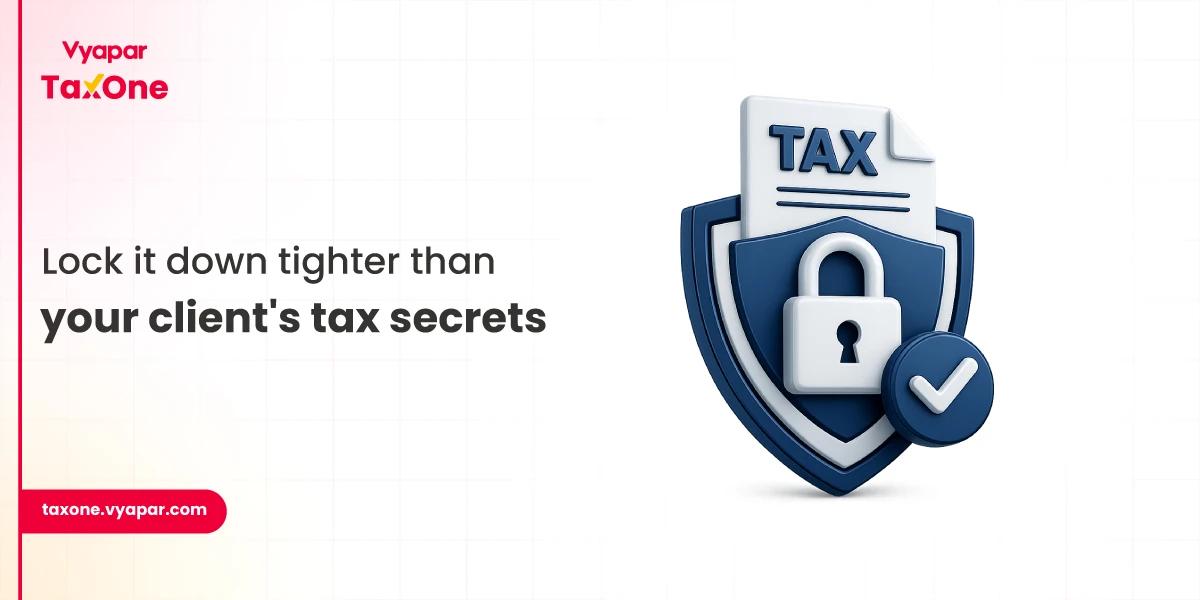
Accounting firms handle more than just files. They handle client trust, confidential financial records, tax documents, GST data, invoices, bank statements, audit papers, and business information that must stay protected at every step.
That is why secure document storage is an important topic for us to discuss. We work closely with the real challenges accounting and tax professionals face every day, from collecting client documents and tracking missing files to managing deadlines, reviews, approvals, and compliance-related records.
In that daily workflow, document security is not a separate technical issue. It directly affects how smoothly and safely a firm serves its clients.
Many firms still depend on email attachments, local folders, WhatsApp messages, shared drives, or manual file tracking. These methods may feel convenient, but they can also increase the risk of misplaced documents, unauthorised access, duplicate files, delayed retrieval, and data exposure.
This guide explains why secure document storage matters for accounting firms, what risks it helps reduce, and how firms can create a safer, more organised way to manage client documents without slowing down their daily work.
Earlier, protecting client records often meant locking files inside a cabinet and limiting physical access. Today, most accounting firms handle documents through email, cloud folders, WhatsApp, laptops, mobile devices, and accounting software. This has made work faster, but it has also increased the number of places where sensitive files can be exposed.
Common risks include phishing emails, ransomware, weak passwords, accidental file sharing, device theft, unauthorised downloads, and poorly managed cloud access. Small and mid-sized accounting firms are especially vulnerable because they handle high-value financial data but may not always have a dedicated IT security team.
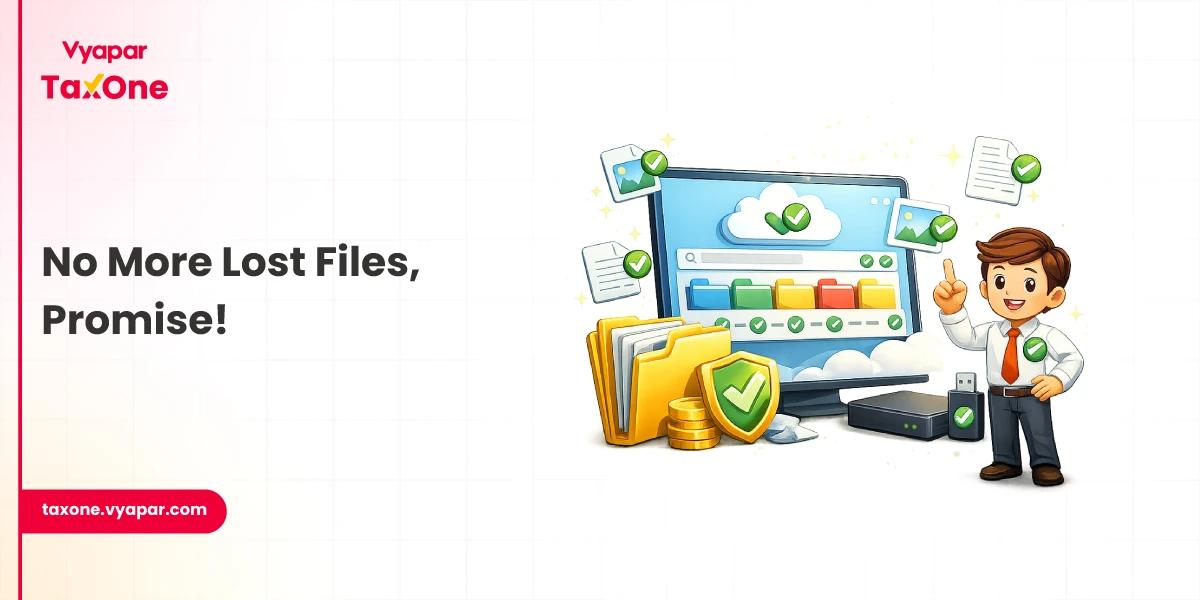
Secure document storage helps reduce these risks by keeping client files in a controlled system with encryption, access permissions, activity tracking, backups, and safer sharing options.
Staying ahead of these risks requires a proactive approach to document management security.
Secure document storage means storing, organising, sharing, and retrieving client documents through a system designed to protect sensitive data at every stage.
For an accounting firm, this should include:
This is important because client documents are not ordinary business files. They often include PAN details, GST data, financial statements, bank records, payroll information, tax computations, invoices, and confidential business communication.
A secure storage system helps firms protect this information while keeping daily work organised.
Not every team member needs access to every client file. Use role-based access control so partners, managers, staff, interns, and external consultants can only view or edit the documents relevant to their work.
Access permissions should be reviewed regularly, especially when an employee changes role, leaves the firm, or no longer works on a particular client.
Important access controls include:
Strong access controls are among the most practical ways to reduce internal misuse, accidental exposure, and unauthorised file access.
Encryption protects documents by making the data unreadable to unauthorised users. For secure document storage, accounting firms should check whether files are encrypted both when stored and when shared.
This matters because client documents often move between firm staff, clients, auditors, and internal review teams. If files are shared without protection, they can be exposed through hacked emails, stolen devices, or unsafe networks.
Focus on:
Encryption should not be treated as an optional feature. It should be part of the firm’s basic document security process.
Schedule automated, encrypted backups of all documents. Store backups in secure, offsite, or cloud locations to protect against ransomware, disasters, or accidental deletion.
Email is convenient, but it is not the safest way to exchange sensitive client documents. Attachments can be forwarded, downloaded, sent to the wrong person, or left inside inboxes for years without proper control.
Instead of relying heavily on email, accounting firms should use secure client portals or document management systems that allow files to be uploaded, accessed, and tracked safely.
If email must be used, follow basic safeguards:
Reducing email dependency improves security and also makes client documents easier to find later.
With remote work on the rise, ensure that mobile devices and home networks are secured. Use mobile device management (MDM) solutions, enforce VPN usage, and limit document access on mobile devices.
Digitize physical files to improve security and streamline access control. Digital documents are easier to track, back up, and protect from loss or theft.
Keep track of document edits and changes. Version control allows you to see who made changes and revert to previous versions if needed.
Periodically review security procedures, update outdated protocols, and monitor for unusual activity or unauthorized access. This enables you to proactively address emerging threats.
Train your team on document security, phishing threats, and compliance requirements. Ongoing education minimizes the likelihood of human error.
Ensure your DMS, operating systems and all related software are up-to-date with the latest security patches to protect against vulnerabilities.
The right DMS should offer:
A robust DMS centralizes document storage, simplifies access control, and streamlines secure sharing. It reduces reliance on risky practices like email attachments and manual file transfers while improving compliance and audit readiness.
Clients want to know their information is safe. Clearly communicate your security practices and how you safeguard client data. This will build trust and set you apart from competitors.
A secure portal allows clients to upload and download documents safely, reduces the risk of data leaks, and enhances the overall client experience.
For accounting firms seeking a secure, efficient way to manage client documents, Vyapar TaxOne offers a purpose-built document management feature. taxone.vyapar.com provides:
Vyapar TaxOne’s intuitive interface is designed for accountants, making it easy to implement robust security without the need for IT expertise. This helps your firm stay compliant, efficient, and trusted by clients.
Secure document storage is essential for every accounting firm, not just to comply with regulations but also to protect clients, reputation, and business.
By implementing best practices like encryption, access controls, secure sharing, and regular training, you can significantly reduce your risk of data breaches and build lasting client trust.
Modern document management solutions like Vyapar TaxOne makes it easier than ever to safeguard sensitive information and streamline your workflow. Review your current practices, educate your team, and take proactive steps today to ensure your firm’s future security.
Secure document storage is the process of storing, organising, protecting, and sharing digital documents through controlled systems. It usually includes encryption, access controls, backups, audit logs, and secure file-sharing.
Accounting firms handle sensitive client information, including tax returns, GST records, bank statements, financial reports, payroll files, and invoices. Secure document storage helps protect this information from unauthorised access, accidental loss, and unsafe sharing.
Email is not the safest option for sensitive client documents because attachments can be forwarded, downloaded, or sent to the wrong recipient. A secure client portal or document management system is a better option for confidential file exchange.
Accounting firms should look for encryption, role-based access control, client-wise document organisation, secure sharing, backup support, activity logs, version history, and easy search.
Small firms can start with simple steps such as enabling multi-factor authentication, using secure cloud storage, limiting staff access, avoiding personal email accounts, backing up files regularly, and training employees on safe document handling.

Get started today and simplify your accounting process!