Is Now Vyapar TaxOne | Same Trust, New Name!
 AI Weapon for Financial Soldiers


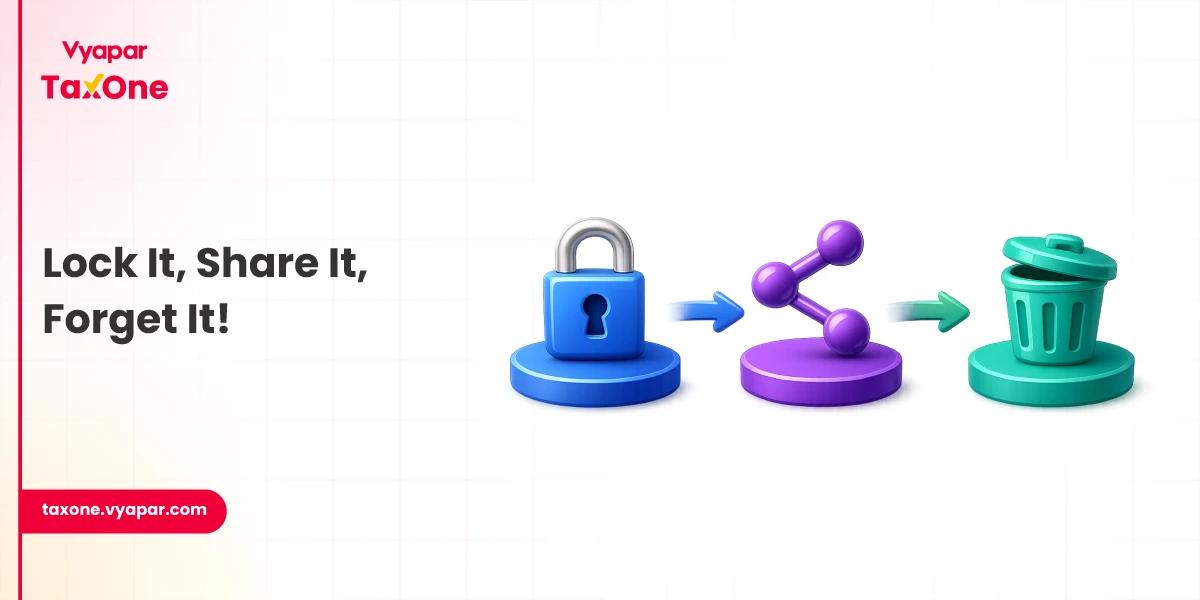
For accountants and CA firms, file sharing is not just about sending and receiving documents. Client files are collected, checked, followed up, reviewed, shared with teams, linked to GST, tax, audit, and compliance work, and often revised multiple times.
When documents come through email, WhatsApp, personal drives, and random links, it becomes difficult to track the latest version, control access, and protect sensitive financial data.
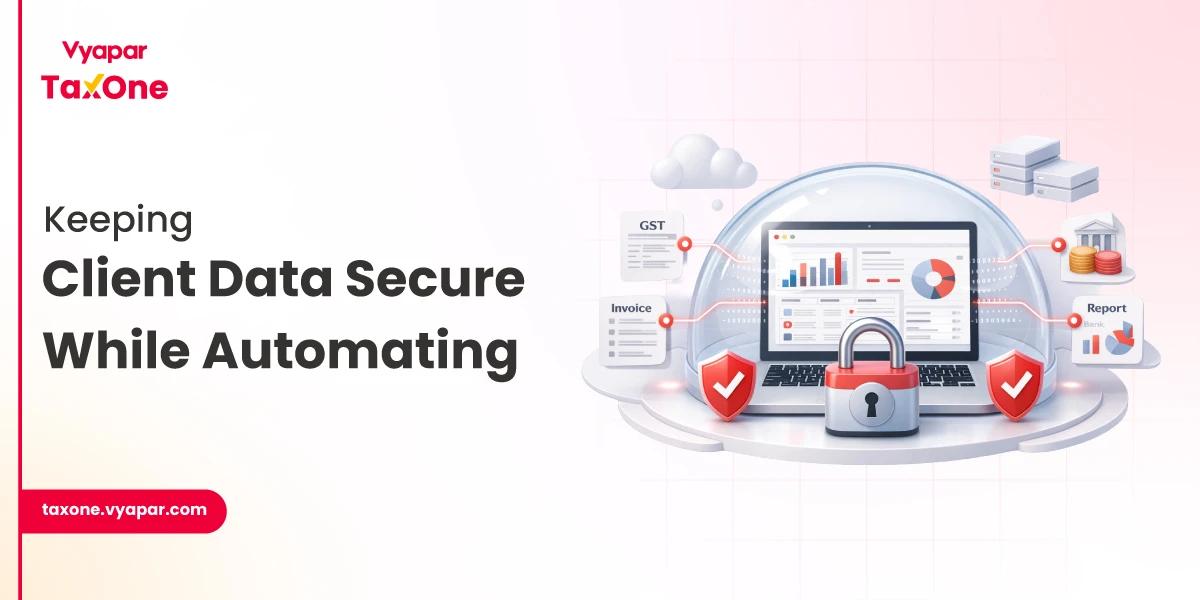
That is why secure file sharing for accountants should be treated as part of a complete accounting workflow, not just a storage solution.
In this guide, we will cover why secure file sharing matters for CA firms, what features to look for, common mistakes to avoid, and how tools like Vyapar TaxOne can help firms manage document collection and client workflows more systematically.
Accounting firms work with financial data that clients cannot afford to lose or expose. A single misplaced attachment, forwarded email, or open-access folder can create confusion, reputational damage, and compliance concerns.
For accountants, secure file sharing matters because it helps protect:
The risk is not only external hacking. Many document issues stem from everyday workflow gaps: sending files to the wrong email address, keeping old versions in circulation, sharing permanent links, using weak passwords, or allowing too many team members to access sensitive folders.
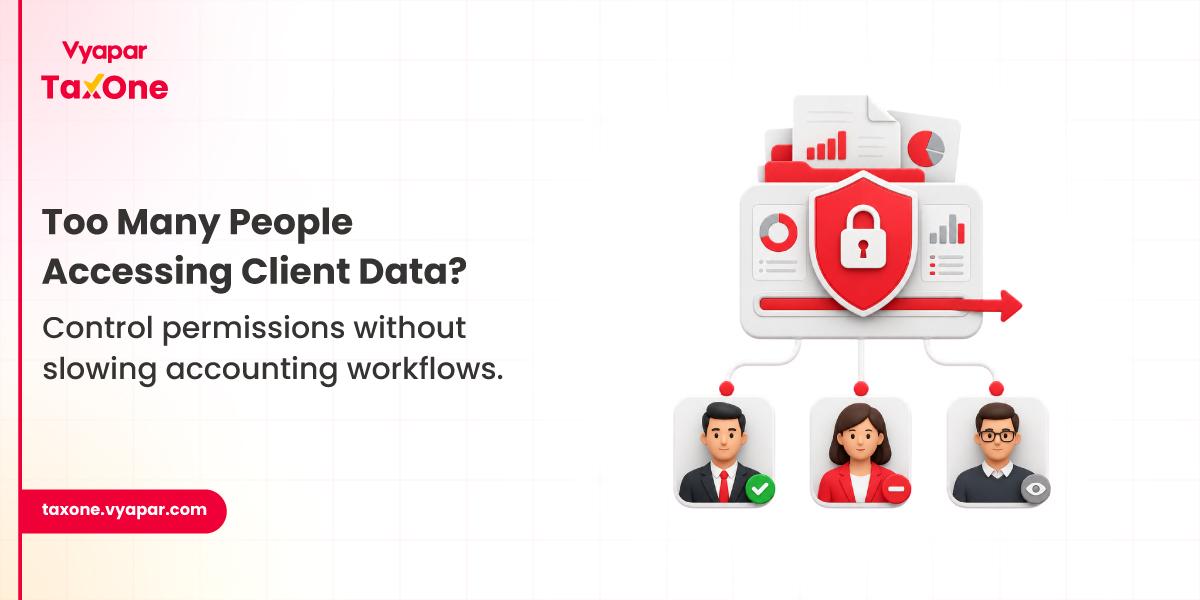
A secure file-sharing platform reduces these risks by giving your firm better control over who can upload, view, edit, approve, download, and share documents. It also creates a clear trail of document activity, which is useful when your team needs to check whether a client uploaded the right file, when a document was accessed, or who made the latest change.
For CA firms, this is also connected to professional confidentiality. ICAI's revised Code of Ethics, effective July 1, 2020, continues to place professional confidentiality at the forefront, and it remains a key expectation for chartered accountants.
India's Digital Personal Data Protection Act, 2023, also contains obligations regarding the processing of digital personal data, including obligations for data fiduciaries and the rights of data principals.
Not all “secure” platforms are created equal. Here’s your No sugar coated checklist:
A secure file-sharing process should be simple for the client and under the firm's control. Here is a practical workflow CA firms can follow:
Step 1: Create a Client-Wise Document Space
Create separate folders or workspaces for each client. Keep documents organized by service, such as GST, income tax, audit, accounting, payroll, or ROC work.
Step 2: Send a Clear Document Request
Instead of asking clients to "send all documents," share a structured checklist. Mention the document name, file format, due date, and purpose.
Example:
Step 3: Allow Secure Uploads
Clients should upload documents through a secure link, portal, or approved system. Avoid collecting sensitive files through open email threads or personal messaging apps whenever possible.
Step 4: Validate and Tag Files
Once documents are received, the team should check whether the file is complete, readable, relevant, and mapped to the correct client and period.
Step 5: Restrict Internal Access
Give access only to the team members working on that client. Remove access when the task is complete or when a staff member no longer needs the file.
Step 6: Track Activity
Use audit logs to track uploads, downloads, edits, and missing documents. This reduces follow-up confusion and helps maintain accountability.
Step 7: Archive or Retain Based on Policy
Once the work is complete, archive the files according to your firm's retention policy. Avoid keeping unnecessary duplicate files across desktops, email inboxes, and personal drives.
Let’s meet the digital bodyguards for your practice, platforms that combine rock-solid security with workflow magic.
ShareFile is for CAs who want more than just a “file drop.” Think secure client portals, e-signatures, and granular permissions so you’re always in control.
Why it's impressive:
Who’s it for?
Firms juggling a ton of clients and docs, or anyone who loves a good workflow hack.
SmartVault is the all-in-one document management and secure sharing platform for tax and accounting pros.
Why it's impressive:
Who’s it for?
Firms that want a one-stop hub for everything from onboarding to tax returns.
Need total control over your data? FileCloud lets you deploy on your own servers or in the cloud, with advanced security features for the truly cautious.
Why it's impressive:
Who’s it for?
Larger firms or anyone with strict data residency and compliance needs.
Global leaders in secure doc sharing, trusted by enterprises and financial pros everywhere.
Why it's impressive:
Who’s it for?
Firms that want airtight security and a polished, user-friendly experience.
Even the best tool can’t save you from bad habits. Here’s how to keep your docs (and your reputation) safe:
| Method | Security Level | Best For | Main Limitation |
|---|---|---|---|
| Regular email attachments | Low | Basic non-sensitive communication | Easy to forward, misplace, or send to the wrong person |
| WhatsApp document sharing | Low to Medium | Quick reminders and informal updates | Poor document organization and limited workflow control |
| Generic cloud storage | Medium | Basic file storage and internal collaboration | May lack accountant-specific workflows, audit trails, and structured document requests |
| Client portal | High | Secure client uploads, downloads, and communication | Clients may need onboarding |
| Accounting workflow platform | High | CA firms managing GST, tax, audit, document collection, and review | Needs proper setup and team adoption |
For most CA firms, the best option is not just a storage tool. It is a secure workflow in which document collection, reminders, tagging, access control, and review occur within a single, organized system.
If you're still reaching out to clients for documents on WhatsApp, Vyapar TaxOne is about to be your new best ally.
Why Vyapar TaxOne is a Game-Changer:
The Vyapar TaxOne Difference:
The goal is not only to share files securely. The goal is to create a cleaner document process that enables CA firms to collect, review, track, and act on client data with less manual effort and greater control.
Let’s face it, secure document sharing isn’t just a compliance checkbox. It’s the foundation of client trust, efficient workflows, and a thriving CA practice in 2025.
Want to simplify document collection and secure file sharing for your CA firm? Explore Vyapar TaxOne and build a more organized workflow for your team and clients.
Secure file sharing for accountants means sending, receiving, storing, and managing client documents through controlled systems that use encryption, access permissions, audit logs, and secure upload methods. It helps protect sensitive files such as tax returns, GST records, audit documents, payroll data, and bank statements.
Look for end-to-end encryption, access controls, audit trails, multi-factor authentication (MFA), and easy integration with your accounting software.
Nope! Email and WhatsApp aren’t secure enough for sensitive financial data. Use encrypted platforms designed for compliance and peace of mind.
Vyapar TaxOne automates document collection, tagging, and sharing with encryption, audit trails, and seamless Tally integration so that you can focus on clients, not paperwork.
Always use encrypted platforms, set clear access levels, enable MFA, regularly audit access logs, and train your team and clients on security basics.

Get started today and simplify your accounting process!