Is Now Vyapar TaxOne | Same Trust, New Name!
 AI Weapon for Financial Soldiers


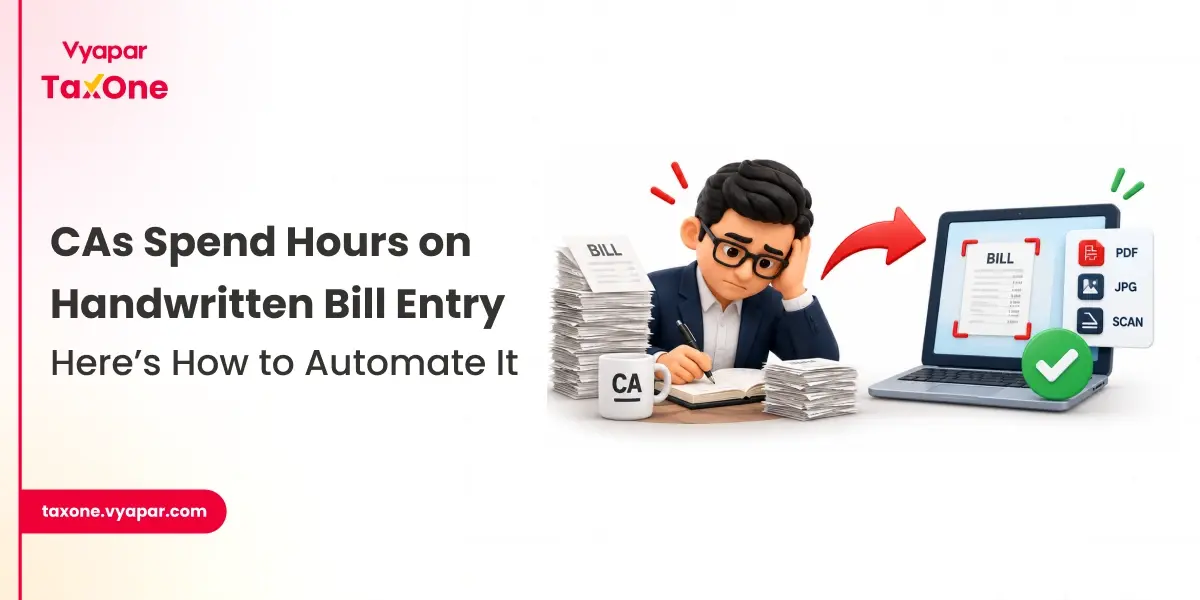
Many small businesses in India still share handwritten bills, photographed invoices, scanned purchase bills, transport receipts, and vendor documents with their CA or accountant. These documents may look simple, but they create a large amount of repetitive work for accounting teams.
For CAs, the issue is not only entering data. The real challenge is checking whether the bill details are readable, whether the GSTIN is correct, whether tax amounts match, whether the vendor already exists, and whether the entry is mapped correctly for bookkeeping and GST reconciliation.
| Problem | What Happens | Impact on CA / Finance Team |
|---|---|---|
| Unclear handwriting | Amounts, dates, bill numbers, or vendor names are difficult to read | More time spent checking and correcting entries |
| GST field errors | GSTIN, taxable value, CGST, SGST, IGST, or tax rate may be entered incorrectly | Risk of mismatch during GST reconciliation |
| Repetitive typing | Every bill has to be manually entered into accounting records | Team spends hours on low-value data entry |
| Delayed processing | Bills pile up during month-end or return-filing periods | Slower client reporting and delayed books closure |
| Vendor mismatch | Same vendor may be entered with different names | Duplicate ledgers and reconciliation issues |
| Missing documents | Bills may be shared across WhatsApp, email, folders, or physical files | Difficult to track pending entries and client follow-ups |
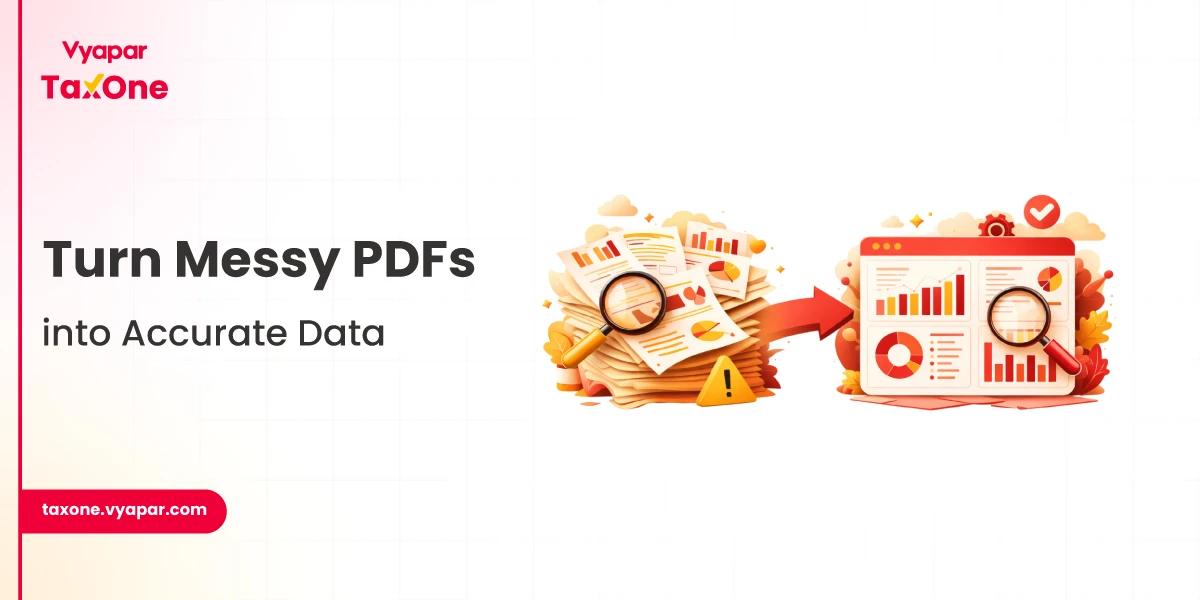
Handwritten bill entry automation is the process of using automation tools to read, capture, validate, and organize data from handwritten bills or scanned invoices.
Instead of manually typing each bill, the system helps extract important details such as:
In simple words, it helps CAs and finance teams automate data from bills so the team can review entries faster instead of typing everything manually. - Watch Vyapar TaxOne Video Tutorial
Many businesses think OCR and automation are the same. They are not.
OCR reads text from an image or document. But data entry automation goes further by helping convert that extracted data into a usable accounting workflow.
| Point of Difference | Basic OCR Tool | Data Entry Automation Tool |
|---|---|---|
| Main function | Reads text from image or PDF | Extracts, structures, validates, and organizes data |
| GST field support | May only read GSTIN and tax values | Can help identify GST fields for review |
| Workflow value | Reduces reading effort | Reduces repetitive data entry effort |
| Error handling | May miss unclear fields | Flags exceptions for manual review |
| Accounting readiness | Output may still need formatting | Data is easier to review and use in accounting workflows |
| Best use case | Simple document scanning | High-volume bill and invoice processing |
For CA firms, handwritten bill entry takes time because every bill has to be checked and typed manually. When there are many clients and hundreds of bills, this can delay bookkeeping, GST work, and reports.
Bill entry automation helps teams process bills faster, reduce typing work, and keep data cleaner for review.
| Problem with Manual Entry | How Automation Helps |
|---|---|
| Staff spend hours typing bill details | Reduces repetitive data entry work |
| Bills take longer to process | Speeds up bookkeeping and reporting |
| Errors happen in date, amount, GSTIN, or tax values | Helps capture details more accurately |
| Purchase data may not match GSTR-2B | Keeps data cleaner for GST and ITC review |
| Teams struggle during month-end workload | Helps manage higher bill volume faster |
| Bills and receipts are hard to track | Makes document tracking easier |
Cleaner purchase entries also make GST review easier because GSTR-2B is used to check Input Tax Credit details from supplier-filed documents. (GST Tutorial)
| Factor | Manual Bill Entry | Automated Bill Entry |
|---|---|---|
| Time required | High, especially when bill volume increases | Lower because data capture is automated |
| Error risk | Higher due to typing and reading mistakes | Lower with structured extraction and review |
| GST review | More manual checking required | Cleaner data supports faster review |
| Scalability | Depends heavily on staff availability | Easier to scale with more clients or bills |
| Team role | Team enters every bill manually | Team reviews exceptions and validates data |
| Client experience | Slower reporting and more follow-ups | Faster turnaround and better visibility |
For CAs, tax consultants, and finance teams, managing handwritten bills manually can take significant time. Bills arrive in different formats, client data is scattered, and teams must still check GST details, document accuracy, and accounting impact.
Vyapar TaxOne is an AI Accounting Automation Software that helps professionals reduce repetitive data entry, process documents faster, centralize client information, and improve accounting workflow accuracy. It helps CAs and finance teams move from manual bill typing to a more organized automation-led process.
| Area | How It Helps |
|---|---|
| Data entry automation | Reduces repetitive typing from bills and documents |
| Document processing | Helps process client documents in a more structured way |
| GST workflow support | Supports GST-related review and compliance workflows |
| Accounting automation | Helps improve speed and consistency in accounting tasks |
| Client data organization | Keeps client-related information easier to manage |
| Team productivity | Allows staff to spend more time on review and less time on manual entry |
Yes. Small CA firms handling multiple clients can use handwritten bill automation to reduce manual workload, speed up monthly bookkeeping, and manage client documents more efficiently.
OCR only reads text from images or documents. Data entry automation goes further by structuring, validating, and organizing extracted data for accounting, GST review, and business workflows.
Bill entry automation helps CAs reduce repetitive typing, process more client bills faster, improve accuracy, support GST reconciliation, and spend more time on review, advisory, and client service.
Automation tools can help reduce GST-related errors by capturing and flagging fields such as GSTIN, taxable value, CGST, SGST, IGST, and invoice amount for review.
Yes. Cleaner and faster purchase bill entry can support better comparison with GSTR-2B during ITC review. However, final reconciliation and filing should be reviewed by a qualified professional.
Yes. Vyapar TaxOne is an AI accounting automation platform that helps CAs and finance teams automate repetitive document and accounting workflows, reduce manual data entry, and improve review efficiency.

Get started today and simplify your accounting process!