Is Now Vyapar TaxOne | Same Trust, New Name!
 AI Weapon for Financial Soldiers


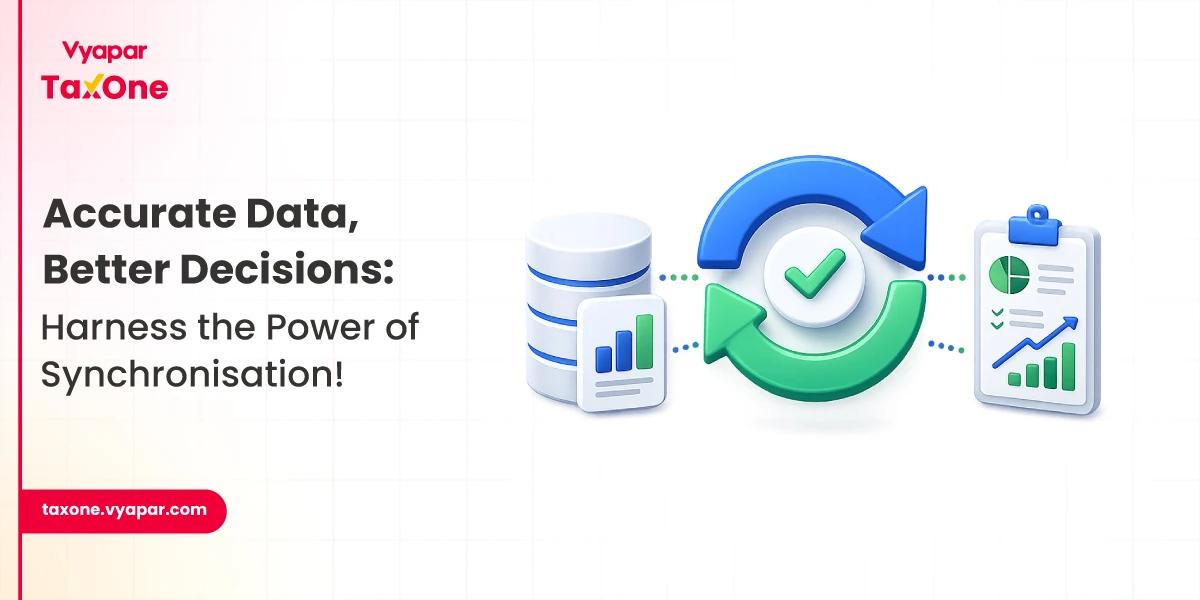
Data Synchronisation keeps business information consistent across two or more systems. For Indian businesses, CA firms, accountants, and finance teams, this often means ensuring that data from Excel sheets, PDF invoices, bank statements, GST records, and accounting software such as Tally stays up to date without repeated manual entry.
When data synchronisation is not handled properly, the same transaction may exist in different versions across teams or tools. This can lead to duplicate entries, GST mismatches, delayed reconciliation, incorrect reports, and poor business decisions.
In this guide, you will learn what data synchronisation means, how it works, why it matters, the different types, common challenges, best practices, and how automation can simplify synchronisation between Excel, PDFs, and Tally.
Data synchronisation is the process of keeping data up to date, accurate, and consistent across multiple systems, files, databases, or applications.
In simple terms, when information changes in one place, the same change should be reflected in every connected system that needs it. For example, if a sales invoice is updated in an Excel file, the related accounting entry should also reflect correctly in Tally or any other connected accounting system.
Data Synchronisation is not only about copying data from one place to another. A proper synchronisation process also checks whether the data is mapped correctly, formatted properly, validated for errors, and updated without creating duplicate or conflicting records.
For accounting and compliance teams, data synchronisation is especially useful because financial data often moves between different sources, such as:
The goal is simple: every team should work with the same trusted version of business data.
1. Accuracy and Consistency
Ensuring that data is consistent and accurate across all platforms prevents errors and discrepancies. This is essential for maintaining the integrity of business operations.
2. Improved Decision Making
Accurate data allows businesses to make informed decisions. When data from all sources is synchronised, it provides a comprehensive view, leading to better strategic planning.
3. Increased Productivity
Data synchronisation reduces the time spent on manual data entry and corrections. This enhances productivity as employees can focus on more critical tasks.
4. Customer Satisfaction
Consistent data across all platforms ensures that customer information is up-to-date, leading to better service delivery and increased customer satisfaction.
In accounting, data synchronisation plays a practical role in moving financial information from source documents into accounting systems.
For example, a CA firm may receive purchase invoices as PDFs, bank statements in Excel format, and sales data from a client’s internal system. Without synchronisation, the team has to manually read, enter, verify, and reconcile this data.
With a synchronised workflow, the same data can be extracted, structured, mapped, and pushed into accounting software with fewer manual steps.
Common accounting use cases include:
This is why data synchronisation is no longer just a technical process. For finance teams, it directly affects accuracy, productivity, compliance, and reporting quality.
1. Accurate and Updated Records
The biggest benefit is that every connected system works with updated information. This reduces confusion among different file versions and helps teams trust the data they use.
2. Less Duplicate Work
When the same invoice, bank entry or purchase record has to be entered manually in multiple places, productivity suffers. Synchronisation reduces duplicate effort by moving data between systems in a controlled flow.
3. Better Reconciliation
Data synchronisation makes reconciliation easier by allowing records from different sources to be compared more efficiently. This is useful for GST reconciliation, bank reconciliation, sales and purchase matching, and ledger cleanup.
4. Faster Reporting
Updated data helps businesses generate reports faster. Finance teams can review outstanding payments, revenue, expenses, tax data, and client records without waiting for manual updates from different departments.
5. Improved Team Collaboration
When accountants, business owners, branch teams, and compliance teams work with the same data, communication becomes smoother. Teams spend less time asking for updated files and more time solving actual business issues.
6. Stronger Compliance Control
Accurate and consistent records support better compliance. For businesses dealing with GST, audits, and financial reporting, synchronised data reduces the risk of missing entries, outdated records, and avoidable mismatches.
Data synchronisation involves several steps and technologies to ensure seamless data integration. Here’s a simplified breakdown:
1. Data Collection
Data is collected from various sources, such as databases, applications, and devices.
2. Data Mapping
Data mapping involves identifying the relationships between different data elements and ensuring they match across systems.
3. Data Transformation
Data may need to be transformed to ensure compatibility between different systems.
4. Data Transfer
The synchronised data is transferred to the target system or database.
5. Data Validation
To guarantee consistency and accuracy, the data is validated.
1. Unidirectional Synchronisation
In unidirectional synchronisation, data flows in one direction, from a source system to a target system. This type is useful when updates are needed only in one system.
2. Bidirectional Synchronisation
Bidirectional synchronisation involves two-way data flow, ensuring that both source and target systems are updated. This type is ideal for systems that need to stay in sync at all times.
3. Real-Time Synchronisation
Real-time synchronisation updates data instantly across all systems. This is crucial for applications where timely data updates are essential.
4. Scheduled Synchronisation
Scheduled synchronisation updates data at specific intervals. This is suitable for systems that do not require immediate updates.
These three terms are often used together, but they are not the same.
| Term | Meaning | Example |
|---|---|---|
| Data Synchronisation | Keeps data consistent between two or more systems | Updating Excel invoice data into Tally |
| Data Integration | Connects data from different systems for combined use | Bringing GST, accounting and sales data into one dashboard |
| Data Migration | Moves data from one system to another, usually one time | Shifting old accounting data from one software to another |
Data synchronisation is usually ongoing. It helps systems stay updated over time, while migration is often a one-time transfer and integration is about connecting different data sources for better use.
Despite its benefits, data synchronisation can pose several challenges:
1. Data Security
Ensuring data security during the synchronisation process is paramount. Businesses must implement robust security measures to protect sensitive information.
2. System Compatibility
Integrating data from different systems can be complex, especially if they use different formats or technologies.
3. Data Volume
Managing large volumes of data can be challenging. Efficient data management strategies are required to handle big data synchronisation.
4. Network Reliability
Reliable network connections are essential for real-time synchronisation. Network issues can lead to data inconsistencies and delays.
To ensure effective data synchronisation, businesses should follow these best practices:
1. Use Reliable Tools
Invest in reliable data synchronisation tools that offer robust features and support.
2. Regular Monitoring
Regularly monitor the synchronisation process to identify and resolve issues promptly.
3. Data Backup
Always back up data before synchronisation to prevent data loss.
4. Security Measures
Implement strong security measures, such as encryption and access controls, to protect data.
5. Documentation
Maintain thorough documentation of the synchronisation process and configurations.
Vyapar TaxOne helps accountants and finance teams reduce manual accounting work by converting data from Excel, PDFs, images, bank statements, and invoices into structured Tally-ready entries. Its data automation feature supports multi-format uploads, bank statement conversion, AI-powered invoice reading, ledger suggestions, and one-click sync to Tally.
Here is how it supports data synchronisation in accounting workflows:
1. Multi-Format Data Upload
Users can upload accounting data from Excel, PDFs, and image-based documents. This is useful when clients share invoices, statements, or sales and purchase data in different formats.
2. Data Extraction from Invoices and Statements
Vyapar TaxOne helps extract key details from invoices and bank statements, reducing the need to type every entry into accounting software manually.
3. Ledger Mapping Suggestions
Ledger mapping is one of the most time-consuming parts of accounting data entry. Vyapar TaxOne provides intelligent ledger suggestions based on past data, helping teams maintain consistency while reducing manual effort.
4. Tally-Ready Voucher Creation
The extracted and mapped data can be converted into structured vouchers that are ready for Tally. This makes data synchronisation more practical for accountants who regularly work with Tally-based books.
5. Review Before Sync
Before pushing data into Tally, users can review and verify the entries. This helps maintain control and reduces the risk of incorrect data being posted.
6. Faster Sales and Purchase Entry Updates
Vyapar TaxOne allows users to process sale and purchase transactions in bulk and sync them to Tally after verification. This is useful for firms handling high transaction volumes.
For CA firms, accountants, and businesses, this means less repetitive data entry, fewer avoidable errors, and faster movement of accounting data from documents to Tally.
Data synchronisation is vital for maintaining data accuracy and consistency across multiple systems. It enhances decision-making, productivity, and customer satisfaction while ensuring compliance with regulations. Despite the challenges, following best practices and using reliable tools can help businesses achieve seamless data synchronisation.
For Indian businesses, data synchronisation is not just a technical necessity but a strategic advantage. By ensuring real-time data access and reducing redundancy, businesses can streamline their operations and stay competitive in the digital age.
Data Synchronisation means keeping data consistent and up to date across multiple systems. If information changes in one place, the connected system should also reflect the correct updated information.
Data Synchronisation is important in accounting because financial data often comes from different sources, such as Excel, PDFs, invoices, bank statements, and Tally. Synchronisation helps reduce duplicate entries, mismatches, and manual errors.
An example of Data Synchronisation is converting invoice data from an Excel file or a PDF and entering it in Tally as a proper accounting voucher.
No. Data backup creates a saved copy of data for recovery. Data Synchronisation keeps data up to date across two or more active systems.
Data Synchronisation helps move structured data from sources like Excel, PDFs, invoices, and bank statements into Tally. This reduces manual entry and helps accounting teams keep records up to date.


Get started today and simplify your accounting process!