Accurate recording of stock market transactions is essential for chartered accountants managing investment portfolios and financial ledgers for clients.
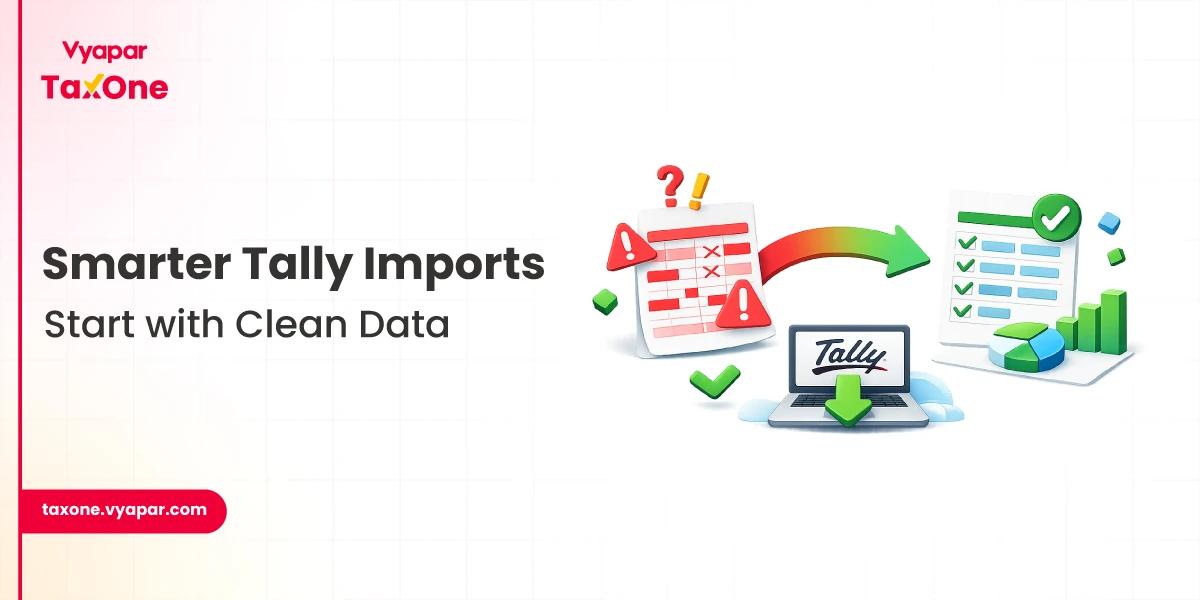
The traditional manual entry process in accounting software like Tally often proves time-consuming and prone to errors. Vyapar TaxOne emerges as a powerful solution, automating and streamlining stock market entries directly into Tally.
This guide provides CAs with practical, actionable insights on leveraging Vyapar TaxOne for efficient stock market entries, enhanced regulatory compliance, and audit readiness.
TL;DR
- Automate stock market entries using Vyapar TaxOne.
- Easily upload broker Excel sheets to Tally.
- Map fields for accurate ledger entries.
- Enable order numbers for audit trails.
- Handle GST, brokerage, and stamp duty.
- Save time, reduce manual entry errors.
Understanding Challenges in Stock Market Entries within Tally
Stock market transactions involve multifaceted data points such as order numbers, execution dates, brokerage, stamp duties, and GST components, making manual data entry cumbersome and error-prone.
Common challenges include:
- Time-intensive manual input with high chances of errors
- Difficulty in mapping broker-specific purchase data to accounting ledger structures
- Maintaining audit trails with accurate order numbers and transaction dates
- Staying compliant with GST and SEBI regulations on brokerage and transaction charges
Recognising these pain points underscores the value of integrating a solution like Vyapar TaxOne to automate these workflows.
Vyapar TaxOne: Streamlining Stock Market Purchase Entries in Tally
Overview of Vyapar TaxOne’s Capabilities
Vyapar TaxOne is a technology platform designed to automate data entry processes. It facilitates direct import of Excel sheets from multiple brokers, accurately mapping these complex data structures into Tally ledgers.
Key features include:
- Seamless uploading of broker purchase sheets (Groww, Choice Broker, Zerodha, NJ India Invest)
- Automated field mapping, such as Stock Name, ISIN, Quantity, Price, Order Number, Execution Date, and Party Name
- Customisable ledger mapping for additional charges like Brokerage, Stamp Duty, and GST
- Ensuring ledger accuracy and audit trail integrity through mandatory Order Number and Date fields
These features significantly reduce manual intervention while boosting accuracy and compliance.
Practical Guide to Uploading Broker Purchase Sheets in Vyapar TaxOne
For smooth integration, preparing purchase Excel sheets from brokers is vital. Best practices include:
-
Filtering out unnecessary sales data, retaining only purchase information
-
Using correct date formats (typically Day-Month-Year) for ease of mapping
-
Aligning Excel columns with Vyapar TaxOne’s required fields, e.g.:
- Groww: Map’ Stock Name’ to Item Name, ‘ISIN’ to Supplier Invoice No., ‘Execution Date and Time’ to Date
- Choice Broker: ‘SYMBOL’ to Item Name, ‘BUY DATE’ to Date, ‘BUY VALUE’ to Amount
- Zerodha: Ensure order execution time is included and formatted appropriately
- NJ India Invest: Assign ‘Supplier Invoice No.’ and ‘Order No.’ correctly for audit traceability
Step-by-Step Upload Process
- Enable Order Number and Date:

In Tally’s Configuration → Order Details, ensure these fields are enabled to maintain detailed transaction records.
- Upload the Excel Sheet:
Navigate to Vyapar TaxOne’s purchase upload module; select and upload the formatted purchase sheet.
- Map Fields:

Use Vyapar TaxOne’s interface to map Excel columns accurately to the corresponding Tally ledger fields.
- Map Additional Charges:

Assign ledger accounts for Stamp Duty, Brokerage, and any other charges present.
- Save and Proceed:
Confirm mappings and upload to integrate transaction data into Tally.
Following these steps ensures efficient import of purchase entries, protecting the integrity of client financial data.
Practical Tips for Chartered Accountants Using Vyapar TaxOne
- Regular Data Validation: Always review uploaded data in Tally for accuracy and completeness before posting the final ledger.
- Keep Broker Formats Updated: Broker Excel templates may change; routinely update mapping templates accordingly.
- Use Order Numbers and Dates: These fields help reconcile transactions with broker statements and facilitate audits.
- Leverage Automation: Maximise time savings and error reduction by relying on automated upload features rather than manual entries.
- Stay Informed: Monitor regulatory updates on stock market accounting, GST, and brokerage charges.
Latest Regulatory Updates Impacting Stock Market Accounting
- GST Compliance: GST applies to brokerage and certain transaction charges; correct ledger classification is mandatory to avoid penalties.
- SEBI Guidelines: SEBI mandates detailed record-keeping of trades, necessitating precise entry of order numbers and execution details.
- Taxation Norms: Accurate stock purchase recording aids correct capital gains computation and tax filing compliance.
- Audit Requirements: Maintaining digital evidence through detailed entries in Tally ensures smooth audit processes.
CAs must incorporate current regulations into the accounting workflow using Vyapar TaxOne’s flexible ledger mapping.
Efficient Stock Market Entries with Vyapar TaxOne
- Groww Purchase Sheet Example: Mapping’ Stock Name’ to Tally’s Item Name and ‘Execution Date and Time’ to transaction Date ensures detailed purchase ledgers and audit trail clarity.
- Zero Error Uploads: Choice Broker users benefit from pre-mapped Excel templates aligning with Tally fields, minimising reconciliation discrepancies.
- Improved Audit Readiness: Using Vyapar TaxOne’s automation reduces data entry errors and prepares clear digital transaction logs, simplifying compliance inspections.
Achieve Precision and Compliance in Stock Market Accounting
Vyapar TaxOne offers a highly effective solution for managing stock market entries in Tally and addressing accuracy, compliance, and efficiency challenges for chartered accountants in India.
By leveraging automated Excel imports, proper field mapping, and adherence to regulatory requirements, CAs can deliver superior client service while streamlining their workflow.
Incorporating Vyapar TaxOne into financial accounting practices ensures meticulous stock market transaction management, facilitating audit readiness and tax compliance.
Try Vyapar TaxOne for free for a week!
FAQ
Q1: Why is mapping Order Number and Date significant in stock market entries?
Order Numbers and Dates provide audit trail integrity and enable precise reconciliation with broker reports, ensuring data accuracy and regulatory compliance.
Q2: Can I upload purchase data from multiple brokers using Vyapar TaxOne?
Yes, Vyapar TaxOne supports purchasing Excel sheets from various brokers like Groww, Choice Broker, Zerodha, and NJ India Invest with tailored mapping templates.
Q3: How does Vyapar TaxOne help with GST compliance in stock market entries?
Vyapar TaxOne allows ledger mapping for GST applicable charges such as brokerage and stamp duty, ensuring that tax entries align correctly with accounting standards.
Divyesh Gamit is a Sr. Support Manager with 8+ years of experience in customer onboarding, training, support operations, process improvement, and technology implementation. He is passionate about solving technical challenges, empowering customers, and improving customer satisfaction (CSAT). He also has an understanding of finance and accounting processes, with experience supporting technology solutions that streamline financial and business operations.
Designation: Vyapar TaxOne
 Is Now Vyapar TaxOne | Same Trust, New Name!