Is Now Vyapar TaxOne | Same Trust, New Name!
 AI Weapon for Financial Soldiers


Every Accounting Team Has Faced This Situation.
Month-end closing is pending.
GST filing deadlines are approaching.
Invoices are arriving from different vendors in PDFs, WhatsApp images, scanned documents, emails, and Excel sheets.
And someone still has to manually enter all that data into accounting software.
For many accounting teams, this continues to be one of the most repetitive and time-consuming parts of daily operations.
The challenge is no longer collecting financial documents. The real challenge is processing them quickly, accurately, and consistently without increasing manual workload.
This is exactly where modern data capture is changing accounting workflows.
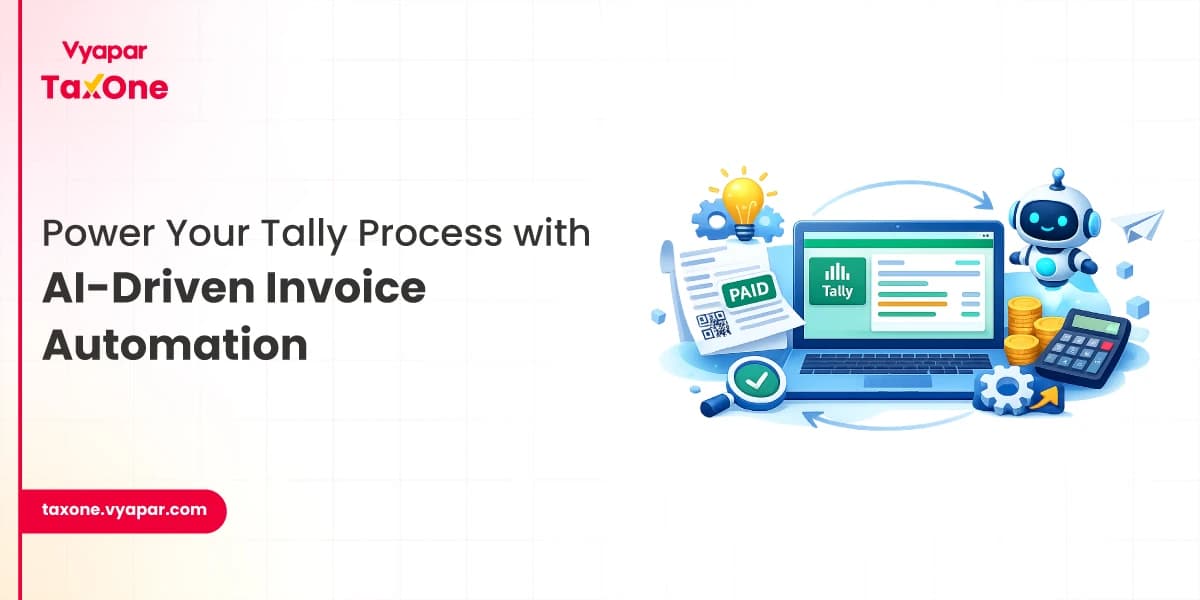
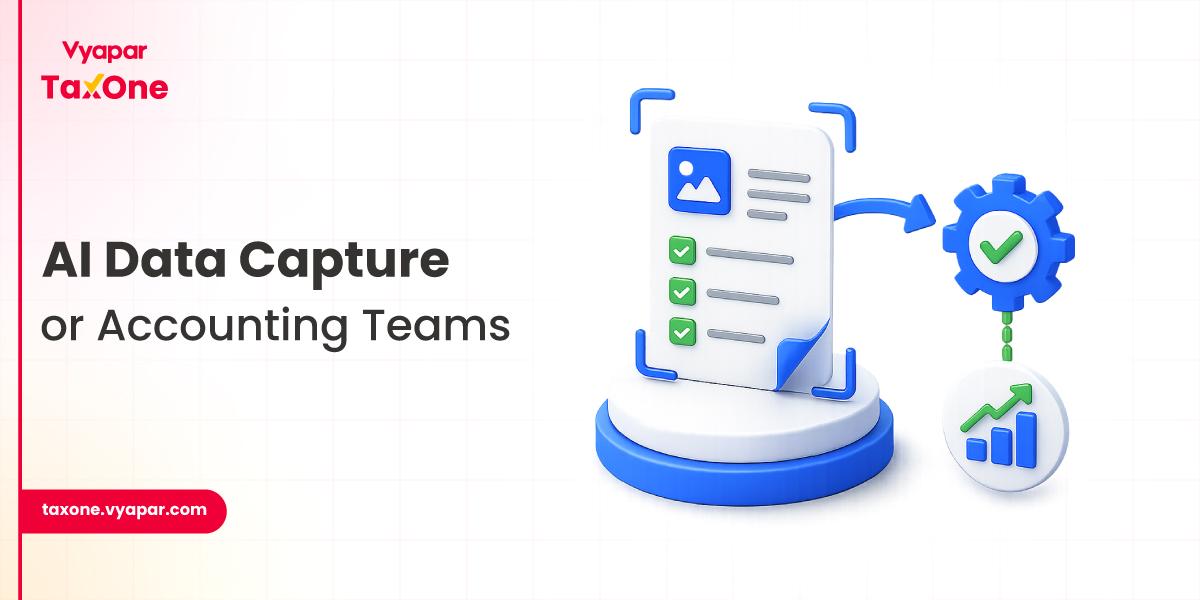
Today, businesses are gradually moving from manual accounting entry toward AI-powered systems that can automatically extract financial data from invoices, bank statements, bills, and PDFs directly into accounting software.
Data capture in accounting is the process of extracting financial information from documents and converting it into a usable digital format for accounting systems.
Instead of manually typing invoice details, GST values, ledger information, or voucher entries into software like Tally, modern data capture systems automatically identify and process the information from:
The captured data can then be validated and transferred directly into accounting workflows.
For accounting teams, this helps reduce repetitive entry work while improving processing speed and accuracy.
Many accounting firms and finance teams still rely heavily on manual workflows.
But transaction volumes continue increasing every year.
A single accountant may process hundreds of invoices, GST documents, purchase records, and bank transactions within limited timelines.
In high-volume accounting environments, manual entry often creates operational bottlenecks.
1. Higher Chances of Human Errors - Even small mistakes in invoice numbers, GSTIN details, tax values, or ledger selection can create reconciliation issues later.
2. Repetitive Operational Work - Accounting teams spend significant time handling repetitive data entry instead of focusing on reporting, analysis, or client advisory tasks.
3. Delayed Processing - Manual workflows slow down bookkeeping, reconciliation, and monthly closing activities.
4. Increased Pressure During GST Filing Periods - GST return periods usually involve processing large volumes of invoices within short timelines, increasing workload pressure on accounting teams.
5. Dependency on Manual Validation - Many finance workflows still depend on employees manually verifying and entering data from multiple documents.
This is one of the key reasons accounting automation adoption is increasing rapidly across businesses and accounting firms.
Modern data capture systems combine multiple technologies to improve accounting efficiency and accuracy.
Optical Character Recognition (OCR)
OCR helps extract text from PDFs, scanned invoices, printed bills, and financial documents. In accounting workflows, it is commonly used to capture invoice numbers, GST details, tax amounts, vendor names, and ledger information automatically instead of manual typing.
Intelligent Character Recognition (ICR)
ICR extends OCR by identifying handwritten text from bills, notes, and physical accounting documents. This becomes useful while processing older records or handwritten financial entries.
Artificial Intelligence (AI)
AI helps systems understand invoice structures, identify accounting fields, and improve extraction accuracy over time. It can automatically recognize vendor formats, detect missing information, and reduce manual correction efforts, specially when businesses receive invoices in different layouts.
Machine Learning
Machine learning enables systems to improve continuously as more accounting documents are processed. Over time, the system becomes better at understanding invoice patterns and processing financial data more accurately.
Robotic Process Automation (RPA)
RPA automates repetitive accounting activities such as voucher creation, invoice processing, bulk entry handling, and data movement between systems. This helps reduce operational dependency on manual accounting tasks. Read more about the role of RPA in Accounting Automation.
| Manual Accounting Entry | Automated Data Capture |
|---|---|
| Manual Accounting Entry | Automated Data Capture |
| Time-consuming processing | Faster workflow execution |
| Higher chances of human errors | Improved accuracy |
| Repetitive operational work | Automated workflows |
| Difficult during bulk processing | Handles large volumes efficiently |
| Manual reconciliation efforts | Better validation support |
| Employee-dependent workflows | Standardized processing |
Accounting operations today involve significantly more data than before.
Businesses expect:
Handling these expectations manually becomes difficult at scale.
Many accounting teams are now adopting automation to reduce operational load and improve processing efficiency.
AI-powered data capture helps:
This shift is gradually becoming part of modern accounting operations.
We understand how repetitive and time-consuming manual accounting entry can become, specially during month-end closing and GST filing periods.
As invoice volumes grow, relying heavily on manual data entry often slows down accounting workflows and increases the chances of errors.
That is why more accounting teams are gradually moving toward AI-powered data capture to process invoices, PDFs, bank statements, and financial documents faster and more accurately.
We help simplify these accounting workflows by reducing repetitive entry work and improving operational efficiency across finance teams.
If your team is still spending hours on manual accounting entries, this may be the right time to explore a smarter and more efficient workflow. Try now.
We use AI-powered data capture to automatically extract financial information from invoices, bank statements, PDFs, images, and Excel files into structured accounting entries. This helps reduce manual data entry and simplifies bookkeeping workflows for accounting teams.
OCR helps us read and extract accounting details such as invoice numbers, GST values, vendor names, dates, and tax amounts directly from scanned invoices, PDFs, and images. This reduces manual typing efforts and improves processing speed.
Yes. Our AI-powered system can automatically identify invoice details such as GSTIN, invoice numbers, tax values, ledger-related information, and vendor details from multiple invoice formats and financial documents.
Many accounting firms are adopting automated data capture to reduce repetitive entry work, improve accounting accuracy, process bulk invoices faster, and manage GST workloads more efficiently during high-volume filing periods.
Yes. We support Tally integration workflows that help accounting teams process and sync extracted financial data into Tally with significantly reduced manual effort.
We support multiple file formats including PDFs, scanned invoices, images, bank statements, and Excel files for automated accounting data extraction and processing.
We help accounting teams reduce repetitive entry work, speed up invoice processing, improve validation accuracy, and handle larger transaction volumes more efficiently using AI-powered automation and workflow standardization.
Yes. We support bulk processing workflows for invoices, PDFs, and financial documents, helping accounting teams handle larger volumes without increasing manual operational workload.
Yes. Automated data capture helps reduce manual workload during GST filing periods by speeding up invoice processing, improving reconciliation accuracy, and simplifying accounting workflows.


Get started today and simplify your accounting process!