Is Now Vyapar TaxOne | Same Trust, New Name!
 AI Weapon for Financial Soldiers


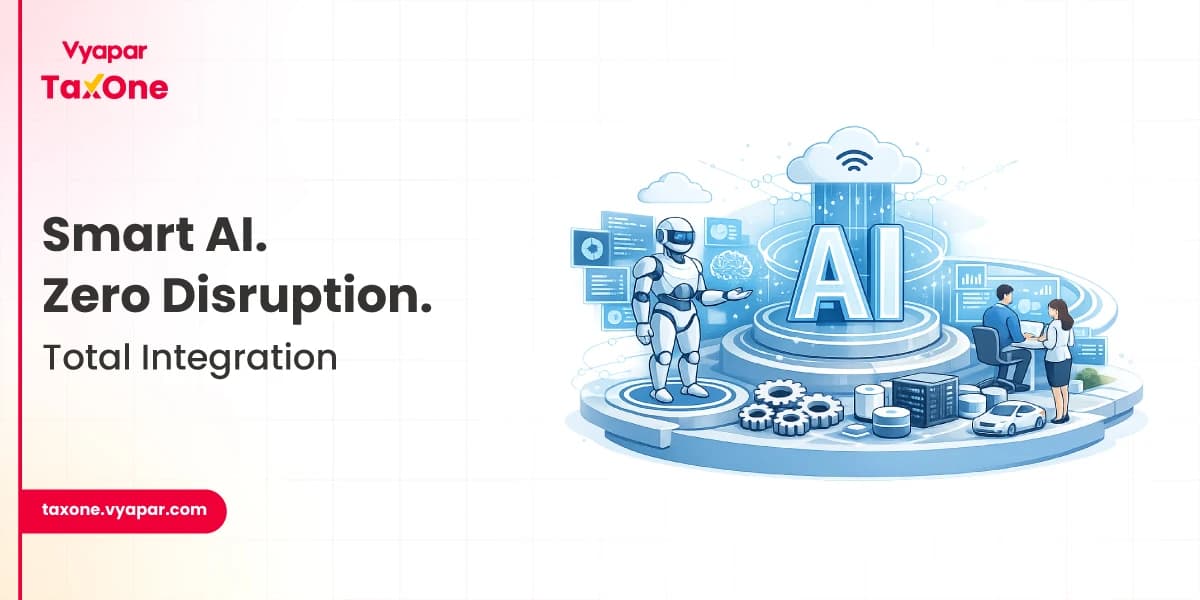
For Indian tax professionals, AI accounting software that integrates with Tally and Vyapar is no longer optional; it is central to managing scale, accuracy, and compliance without overburdening teams.
The right solution lets firms modernise processes while preserving familiar systems and controls.
Indian CA and tax firms often manage client data across Tally, Vyapar, Excel, PDFs, and even image-based documents.
This fragmentation leads to duplication, version-control issues, and significant manual effort during reconciliations. When GST deadlines and scrutiny increase, these inefficiencies directly impact turnaround time and error risk.
Seamless integration between AI accounting software and existing systems ensures that data flows automatically, eliminating the need to re-enter it multiple times.
This reduces errors, keeps GST returns aligned with books of account, and allows teams to focus on review, advisory, and exception handling rather than routine data entry.
A robust AI-driven accounting solution for Indian tax professionals should include:
These capabilities together form the backbone of a modern, integrated tax and accounting practice.
When a client records invoices and purchases in Vyapar, Vyapar TaxOne can pull this data into its own environment. There, the system uses mapping rules to align units, items, and ledgers with how you maintain them in Tally.
Once you review and approve, these entries are pushed into Tally in bulk, without manual voucher creation. Bank statements and other external data sources follow a similar path. You upload the files, the AI engine recognises transactions and proposes ledger mappings, and after your review, everything is posted into Tally.
As a result, your Tally books stay current and accurate, while the time spent on raw data entry drops substantially.
By shifting effort from mechanical entry to oversight and analysis, the firm improves both efficiency and quality.
Example: GST Compliance for a Vyapar–Tally Client
This model supports higher client volumes without proportionally increasing staffing.
Adopting AI accounting software is most effective with a structured approach.
Start by mapping how each client's data currently flows: where they record invoices, how they share statements, and which parts of the process consume the most time. Identify areas where manual work is repetitive, such as rule-based bank postings, purchase entries, and GSTR‑2B reconciliation.
Instead of trying to automate everything at once, choose a few high-impact use cases. For most firms, a logical sequence is:
Focusing on these areas demonstrates clear value quickly and builds internal confidence in the new workflow.
Once Vyapar TaxOne is set up, spend time on accurate mapping: units, items, and ledgers must all align with your Tally structure. Define review rules and approval levels so that AI-generated entries always pass through the right human checks. A good initial configuration dramatically reduces rework later.
Run a pilot for a small set of representative clients. Compare the time spent, number of corrections, and ease of reconciliation with your earlier manual process. Use the findings to refine mappings, validations, and internal SOPs before scaling the solution across more clients.
As you extend AI accounting across your client base, document roles, responsibilities, and review protocols. Ensure that logs, approvals, and exception reports are part of routine oversight. This governance ensures that automation supports, rather than compromises, your control environment.
Some sections of your practice will benefit most from text-driven, relationship-based work; advisory, representation, and complex structuring.
Others, such as routine book-keeping and reconciliations, are ideal for AI-driven automation. The strength of a platform like Vyapar TaxOne is that it allows you to rebalance this mix without abandoning Tally or Vyapar.
Over time, you can position your firm as technology-enabled and insight-driven: faster compliance, fewer errors, and more meaningful analysis for clients.
By adopting AI accounting software that integrates seamlessly with existing systems, you lay the foundation for a practice that is both efficient today and resilient to future regulatory and technological shifts.
AI accounting software that integrates with existing systems uses automation and machine learning to capture, classify, and post financial data directly into tools like Tally and Vyapar, without manual re-entry.
Vyapar TaxOne automates data entry from Vyapar, PDFs, Excel, and bank statements, maps them correctly, and pushes validated entries into Tally, saving time and reducing errors for Indian CAs and tax practitioners.
Yes, Vyapar TaxOne is designed to connect with Vyapar for transactional data and with Tally for books of account, acting as a bridge that keeps both systems in sync.
No, your existing Tally structure remains intact; Vyapar TaxOne simply automates how data reaches Tally by using mappings and validations, rather than manual voucher entry.
Most firms start with high-volume, rule-based tasks such as Vyapar-to-Tally syncing of sales and purchases, bank statement posting, and basic purchase/GSTR-2B reconciliation.


Get started today and simplify your accounting process!