Is Now Vyapar TaxOne | Same Trust, New Name!
 AI Weapon for Financial Soldiers



Manual purchase entry in Tally has become a serious bottleneck for Indian tax professionals handling high volumes of GST-compliant invoices, multi-location vendors, and frequent GSTR‑2B reconciliations.
This repetitive work increases the risk of misposting, rate mismatches, and missed ITC, especially during peak return periods.
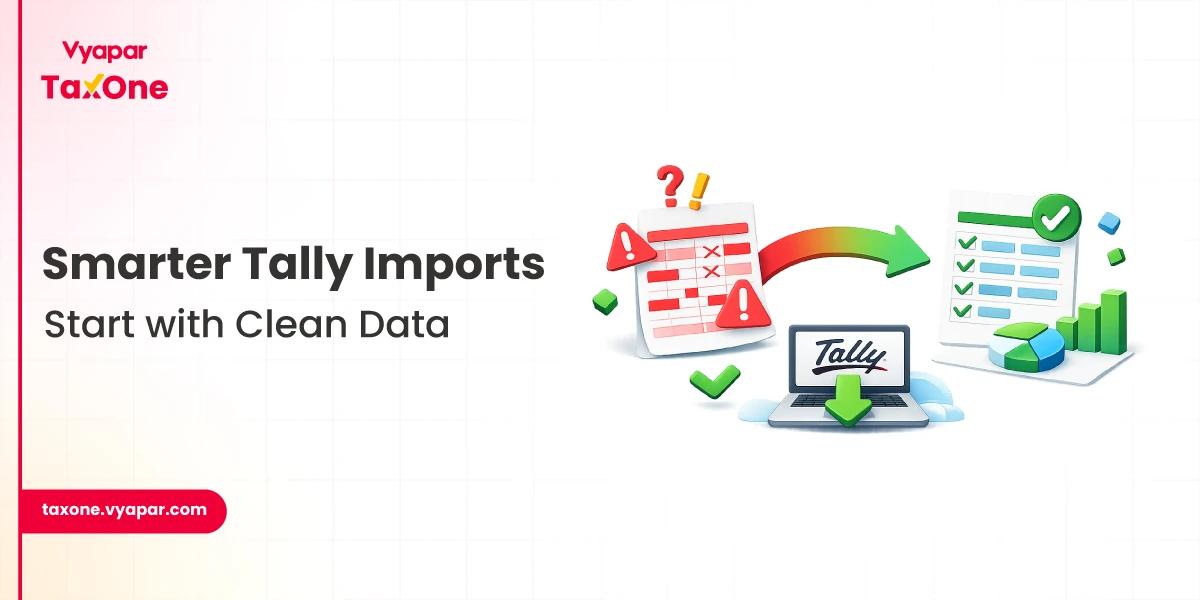
AI-powered data entry tools now convert bulk invoices from Excel, PDF, and images into Tally-ready vouchers, cutting manual typing and significantly reducing errors.
Vyapar TaxOne (formerly Suvit) offers a specialised data entry automation layer built for CAs, focusing on high-volume purchase and purchase return automation integrated with Tally.
Key Challenges in Manual Purchase Entry
Modern AI accounting tools use OCR and machine learning to extract structured data directly from invoices and statements. They read PDFs, images, and Excel files to capture supplier details, invoice numbers, dates, taxable value, and GST breakup.
They also learn ledger patterns over time and suggest appropriate supplier, expense, and tax ledgers for each transaction. As a result, instead of typing every line in Tally, your team reviews and approves AI-generated vouchers and focuses on exceptions rather than routine data entry.
Vyapar TaxOne is an AI-powered platform designed specifically for Indian CAs and accounting firms. It integrates with Tally to automate data entry, reconciliation, and reporting for high-volume accounting environments.
Its data entry automation feature focuses on converting multi-format client data, such as bank statements and sales and purchase invoices, into accurate Tally vouchers. It processes Excel, PDF, and image files, extracts relevant fields, and prepares mapped entries for review and direct import into Tally.
First, define a clear data-sharing process for clients so that purchase invoices reach you in formats that Vyapar TaxOne can process: Excel exports, vendor PDFs, or scanned images. Encourage clients to avoid handwritten invoices and to share consolidated weekly or monthly files for easier bulk processing.
If data is in Excel, clean it by removing totals and subtotals, maintaining one row per invoice or line item, and using consistent date and number formats. This improves AI extraction quality and reduces exceptions later.
Log in to Vyapar TaxOne, select the relevant client, and open the Data Entry Automation area. Upload Excel, PDF, or image files containing purchase and purchase return invoices using the purchase import option.
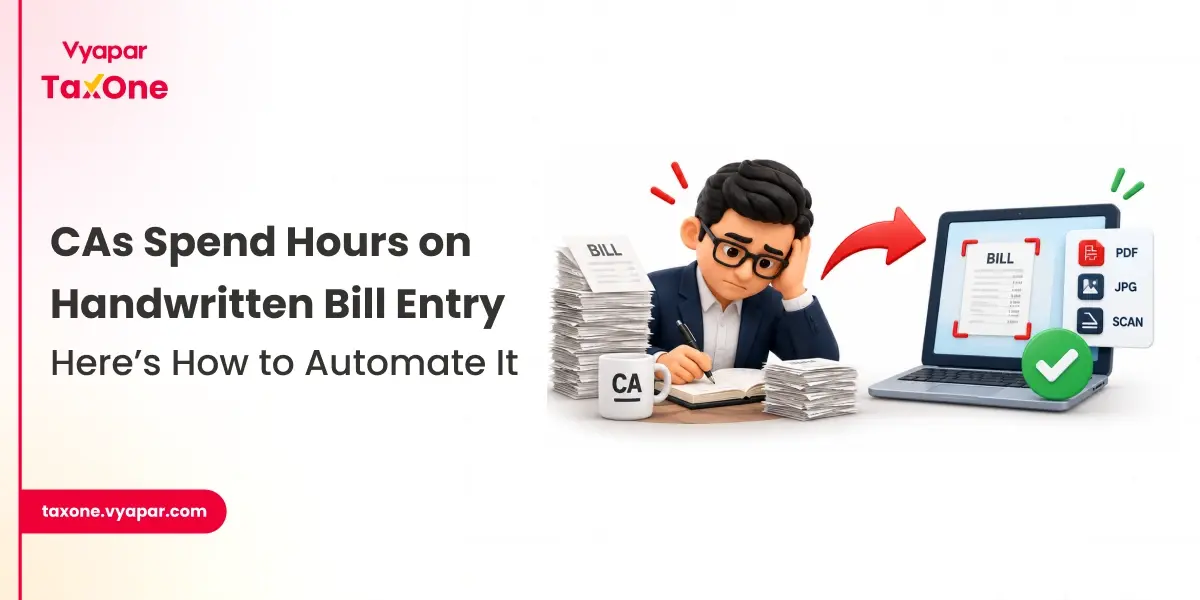
The system automatically extracts key fields, such as vendor name, GSTIN, invoice number, date, taxable amounts, and GST components, using OCR and smart parsing. For image files, you can directly convert bill photos into structured purchase vouchers.
After extraction, review the data grid for missing GSTINs, invalid invoice numbers, negative values, or GST mismatches. Correct any issues at this stage to keep the Tally sync clean and audit-ready.
You can also follow practical limits, such as optimal transaction counts per sheet, to ensure faster processing and fewer timeouts. This validation step is crucial for GST accuracy and reduces the need for correction entries later in Tally.
Use Vyapar TaxOne's mapping interface to map suppliers, purchase heads, and GST ledgers. The tool uses past mappings and smart rules to auto-suggest the most appropriate ledgers for each party and transaction.
For new vendors or special transaction types (imports, RCM supplies, SEZ purchases), override the suggestions and manually set the desired ledger and tax treatment. These rules are stored, so future imports for similar cases are auto-mapped with minimal effort.
Before pushing data to Tally, review a sample or the entire batch of generated purchase and purchase return vouchers. Check vendor names, GST rates, ITC classification, and narration formats to ensure they align with your firm's standards and GST positions.
Validation errors, such as GST mismatch or missing mandatory fields, should be resolved here, so you avoid cleaning up entries after posting in Tally. This keeps you in control while letting AI handle repetitive work.
After approvals, use the Tally connector in Vyapar TaxOne to push the mapped and validated transactions to the selected Tally company. Purchases, debit notes, and purchase returns are created as proper Tally vouchers, with mapped ledgers and tax classifications.
For large batches, Vyapar TaxOne can handle bulk sync and provide a summary report indicating successful entries, created masters, and any failures. You can then verify a small sample directly in Tally to confirm accuracy.
To scale automated purchase entry, create a written SOP covering client data formats, upload frequency, naming conventions, and internal approval flows. Align Tally master structures, such as vendor naming, purchase ledger grouping, and GST ledger codes, with your automation rules to maintain consistency.
Document mapping preferences for common expense types (freight, packing, services, imports) so that junior staff can follow uniform rules when configuring Vyapar TaxOne for different clients and industries.
Train staff and article assistants to use Vyapar TaxOne as the first layer for data ingestion and to focus on exceptions rather than raw typing. They should be comfortable handling rejected rows, unusual GST rates, and non-standard invoices before sync.
Senior team members can periodically review mappings for new industries or complex structures (multi‑GSTIN entities, imports, SEZ, RCM) and refine templates based on experience.
Automated purchase entry should align with your GSTR‑2B vs. books reconciliation strategy. When purchase invoices from Vyapar TaxOne are consistently and accurately posted in Tally, reconciliation becomes faster and more reliable.
This integrated approach, AI-powered purchase posting plus GST reconciliation, reduces manual matching, flags discrepancies early, and strengthens ITC positions during audits.
A strong control framework is essential when using AI for accounting automation. Vyapar TaxOne can maintain logs of uploads, mapping actions, and approvals, thereby supporting audit-trail requirements. Each push to Tally can include summary information on voucher counts and exceptions.
Strengthen governance by maintaining pre-upload and post-sync checklists, sampling vouchers in Tally for high-risk sectors, and documenting key mapping decisions for imports, job-work, and RCM. This ensures automation supports, rather than weakens, compliance.
No. AI tools like Vyapar TaxOne can automate data extraction and voucher creation, but a human review layer remains essential for handling exceptions, unusual GST treatments, and critical vendors.
Vyapar TaxOne can process purchase data from Excel files, PDF invoices, and scanned images or photos of bills, converting them into Tally-ready purchase and purchase return vouchers.
You don't need to overhaul Tally, but you should standardise the vendor, purchase, and GST ledgers to improve automated mapping accuracy and reduce manual corrections.
When purchases are consistently posted through automation, your purchase ledger is cleaner and more structured, which makes GSTR-2B vs books reconciliation faster and more accurate.
It is useful for both; even small CA/tax practices benefit when they handle multiple clients or high invoice volumes, as automation saves time and lowers error risk.

Get started today and simplify your accounting process!