Is Now Vyapar TaxOne | Same Trust, New Name!
 AI Weapon for Financial Soldiers


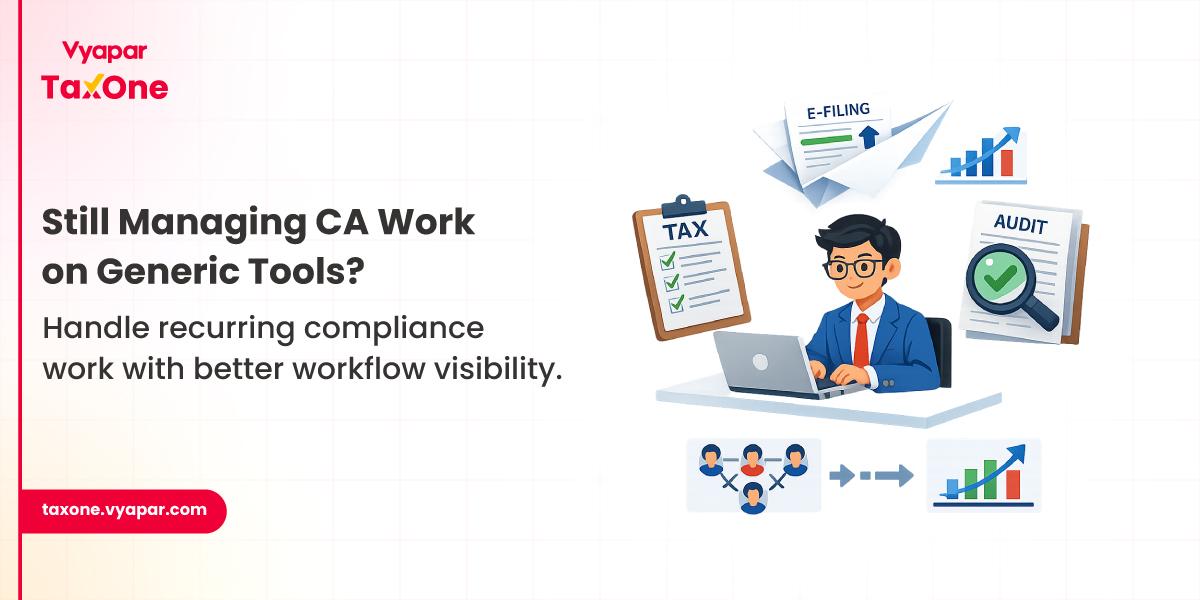
Managing work inside a CA firm isn't the same as managing a marketing campaign or software project.
Every assignment is tied to statutory deadlines, document collection, reviews, approvals, and recurring compliance cycles.
As firms grow, teams often rely on a mix of Excel trackers, WhatsApp groups, emails, and generic project management tools.
While these help organize tasks, they don't provide visibility into recurring compliance workflows. Month-end and due-date periods are usually when these gaps become most noticeable.
That's why many CA firms eventually move towards dedicated Practice Management Software built around accounting and compliance operations.
The transition usually begins when spreadsheets stop providing enough visibility into recurring compliance work. If you're unsure whether your current setup is reaching that point, these signs your CA firm has outgrown Excel can help you evaluate whether it's time for a more structured workflow.
Tools like Trello, Asana, or similar project management platforms are excellent for managing one-time projects and collaborative tasks. The challenge is that accounting firms don't operate around one-time projects.
Most work follows recurring compliance cycles where the same activities repeat across hundreds of clients, each with different filing dates, GST registrations, responsible team members, and document requirements.
A GST return, for example, isn't simply another task on a checklist. It usually involves:
A generic task board may show that a task is "In Progress," but it doesn't provide visibility into where the workflow is actually waiting or why it has stalled.
The biggest difference isn't simply the feature list. It's the way the software is designed around how CA firms actually work.
Instead of treating every assignment as a standalone project, Practice Management Software supports recurring compliance workflows that involve multiple people, client interactions, document collection, reviews, approvals, and statutory deadlines.
Instead of switching between Excel trackers, WhatsApp conversations, emails, and task boards, firms can manage these activities through a structured workflow that keeps everyone working from the same operational view.
This becomes increasingly valuable as the number of clients, team members, and compliance assignments grows.
Most workflow delays don't happen because accounting teams lack technical knowledge. They happen because information is spread across multiple systems.
A fairly common workflow looks something like this:
Individually, none of these steps seem difficult.
The problem appears when this process is repeated across hundreds of assignments every month.
Small delays begin accumulating.
Documents remain pending because reminders weren't sent.
Reviews wait longer than expected because nobody knows they're pending.
Multiple versions of the same working file start circulating within the team.
Managers spend valuable time asking for status updates instead of reviewing completed work.
Most firms don't notice these workflow gaps immediately. They usually become obvious only when filing deadlines are approaching or during internal quality reviews.
Every Practice Management Software comes with a long list of features. But for CA firms, the real question is much simpler: does it remove the operational bottlenecks your team deals with every compliance cycle?
As client volumes grow, these are the capabilities that make the biggest difference.
While every software promises a long list of capabilities, not every feature improves day-to-day operations. Understanding the features every CA practice management software should have makes it easier to compare solutions based on operational needs rather than feature count.
GST returns, TDS filings, ROC compliance, audits, and income tax assignments follow similar processes every cycle. Instead of creating tasks from scratch every month, recurring workflows let firms standardize these activities, helping teams follow a consistent review and filing process.
Managing compliance deadlines through multiple Excel sheets or personal reminders becomes difficult as the number of clients increases. A centralized compliance calendar gives the team a clear view of upcoming due dates, ongoing assignments, and overdue work, making it easier to prioritize tasks during busy filing periods.
Managers need more than a simple "assigned" or "completed" status. They need to know which assignments are under review, waiting for client documents, nearing due dates, or already completed. This visibility helps balance workloads and identify bottlenecks before they delay filings.
Searching through emails or WhatsApp chats for the latest working papers can slow down reviews and create confusion over document versions. Keeping client documents in one place makes retrieval easier and ensures the team is working with the correct files.
Most compliance assignments follow the same sequence, from document collection and reconciliation to review and filing. Predefined workflow templates help teams follow a standardized process across every client, reducing manual setup and improving consistency.
Preparing returns is only one part of the job. Collecting complete and timely information from clients is often equally challenging. Automated reminders help firms follow up consistently without relying on manual calls or messages for every filing cycle.
Generic project management tools aren't inherently limited, they're simply designed for a different type of work.
They're simply built for a different kind of work.
A software development project, for example, usually has a clear beginning and end.
CA firms operate differently.
The same compliance activities repeat every month, quarter, and financial year, often across hundreds of clients at the same time.
That's where operational differences become more visible.
| Requirement | Generic Project Management Tools | CA Practice Management Software |
|---|---|---|
| Recurring GST, TDS, Audit and ROC workflows | Limited customization | Designed around recurring compliance work |
| Due-date tracking across multiple clients | Requires manual setup | Built around compliance calendars |
| Team-wise workload visibility | General task views | Workflow visibility for compliance assignments |
| Client document management | External storage often required | Centralized document repository |
| Client follow-ups | Manual reminders | Structured communication workflows |
| Compliance status tracking | Generic task stages | Filing-specific workflow tracking |
The biggest difference isn't the feature list, it's how much manual coordination still happens outside the software.
We often see this during monthly GST filing cycles.
A firm handling around 150-200 GST registrations receives documents from clients over several days.
Some clients submit complete records immediately.
Others send invoices in multiple batches.
A few respond only after repeated follow-ups.
Meanwhile, the accounting team has already started preparing returns for clients whose records are complete.
Managers are reviewing completed workings while another group is waiting for clarification on mismatches.
None of these activities are unusual.
The challenge is keeping track of every assignment without relying on multiple Excel sheets, WhatsApp chats, and verbal status updates.
As filing volumes increase, even a few missed follow-ups can push several returns dangerously close to the due date.
Every CA firm works a little differently. Some primarily handle GST and income tax compliance, while others manage audits, ROC filings, payroll, advisory, or a combination of services.
So instead of asking, "Which software has the most features?", it's more useful to ask, "Will this software fit the way our team actually works?"
Here are a few questions worth discussing before making a decision:
Whether your firm manages 50 clients or 500, a quick workflow review before each compliance cycle can help identify bottlenecks before they affect filing timelines.
Use this checklist to keep assignments on track:
Following a structured checklist like this helps teams catch workflow gaps early instead of discovering them just before statutory deadlines.
When a CA firm is managing a smaller client base, manual coordination often feels manageable.
An Excel tracker here, a WhatsApp group there, and regular follow-up calls are usually enough to keep work moving.
But the workflow starts changing as the practice grows.
More compliance assignments run simultaneously. More team members are involved in reviews. More documents are exchanged.
Managers spend increasing amounts of time answering questions like:
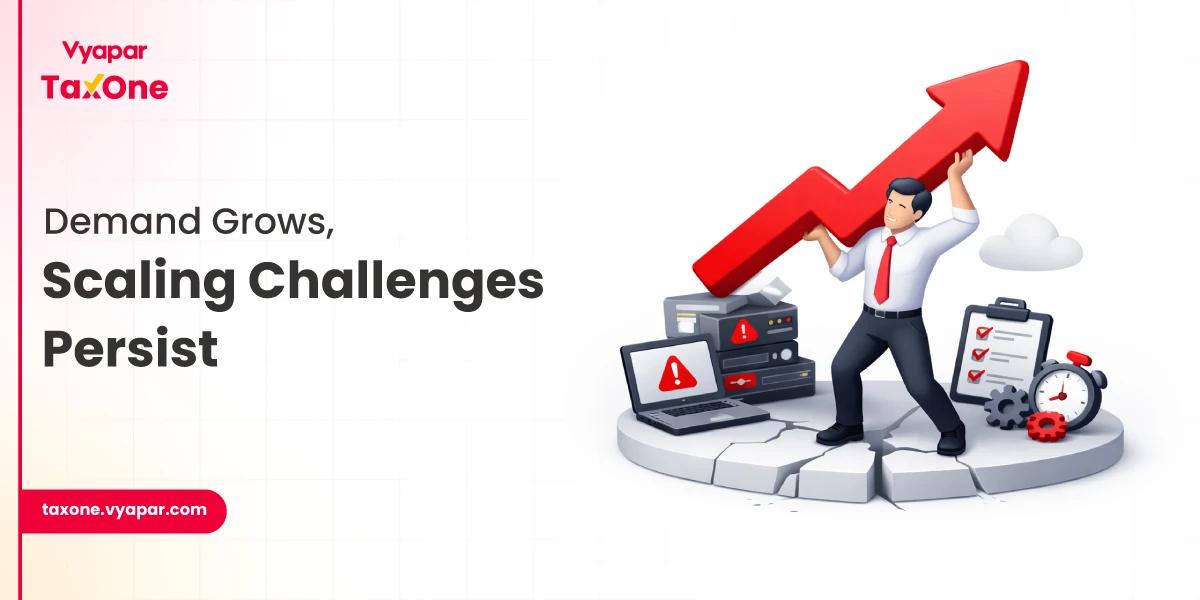
At this stage, the challenge is no longer the accounting work itself, it's coordinating everything around that work.
We've seen many CA firms reach a point where spreadsheets, scattered communication, and manual follow-ups no longer provide the visibility needed to manage recurring compliance work efficiently. What worked well for 40 clients often becomes difficult to sustain when the same team is handling several hundred GST returns, audits, TDS filings, and other statutory assignments.
This is why many firms gradually adopt more structured workflow systems. The goal isn't simply to digitize tasks, but to make compliance work easier to track, review, and coordinate across the entire team.
If your firm is finding that manual tracking creates more follow-ups than visibility, it may be worth exploring how Vyapar TaxOne fits into your existing practice management workflow and supports a more organized approach to managing recurring compliance cycles.
Many firms start considering Practice Management Software when recurring compliance work becomes difficult to manage through spreadsheets, WhatsApp groups, and manual follow-ups. The need often becomes more apparent as client volumes, team size, and the number of concurrent assignments increase.
For many firms, it can significantly reduce dependence on Excel for task tracking and compliance monitoring. However, whether Excel is eliminated depends on the firm's internal processes and reporting requirements.
Generic project management tools help organize tasks, but they aren't designed around recurring compliance work. Practice Management Software is built to support activities like document collection, review workflows, due-date tracking, client follow-ups, and ongoing compliance cycles that are common in CA firms.
Yes. Most Practice Management Software is designed to manage multiple recurring service lines simultaneously, allowing teams to track different assignments while maintaining visibility across clients and deadlines.
Instead of comparing feature lists alone, evaluate whether the software supports your firm's existing workflow. Look at recurring task management, document organization, team visibility, compliance tracking, integrations with your current systems, and how easily it can scale as your practice grows.
It's useful for firms of different sizes. Smaller firms often adopt it to improve consistency and visibility, while larger firms rely on it to coordinate high volumes of recurring compliance work across multiple team members.
The biggest improvement is usually better workflow visibility. Teams spend less time tracking work manually and more time completing reviews, managing compliance deadlines, and coordinating assignments efficiently.

Get started today and simplify your accounting process!