Is Now Vyapar TaxOne | Same Trust, New Name!
 AI Weapon for Financial Soldiers


Tracking and managing GST notices and orders is a significant challenge for tax professionals in India.
With increasing regulatory scrutiny, the complexity of managing notices from multiple sources can lead to missed deadlines, compliance risks, and inefficiencies.
Vyapar TaxOne’s GST Notice & Order Dashboard offers an innovative solution to these problems, providing tax professionals with a centralized, user-friendly platform to track GST notices and orders efficiently.
In this blog, we will explore how Vyapar TaxOne can streamline the GST compliance process, helping tax professionals save time, reduce risk, and improve accuracy in managing GST-related notices.
Tracking GST notices and orders is essential for tax professionals to avoid penalties and ensure compliance. Missed deadlines or overlooked notices can result in fines or legal issues.
Traditional methods are often inefficient, leading to fragmented data and delays. A streamlined tracking system is crucial for timely responses and effective risk management.
Vyapar TaxOne’s GST Notice & Order Dashboard is designed to simplify the way tax professionals track and manage GST notices. It consolidates all GST notices and orders into a single platform, making it easier for professionals to stay on top of critical tasks and deadlines.
Here’s how Vyapar TaxOne’s dashboard works:
One of the major challenges of tracking GST notices is that they often come from multiple sources, primarily from the GST portal, as well as secondary emails, physical mail, or via authorized representatives. With Vyapar TaxOne, tax professionals no longer have to check multiple sources to stay updated.
The Calendar View feature in Vyapar TaxOne’s dashboard is a game-changer for tax professionals who manage multiple clients or companies. It offers a visual representation of all notices and their associated deadlines, making it easier to track upcoming due dates and take timely action.
For professionals handling multiple clients or entities, Vyapar TaxOne’s Company View feature is invaluable. It allows tax professionals to track notices and orders for each client or company separately, making it easier to prioritize and allocate resources accordingly.
Vyapar TaxOne’s dashboard also supports the portal's categorization of GST notices into General and Additional categories, enabling tax professionals to prioritize their work based on urgency and importance. This categorization is particularly useful when managing notices for multiple clients or companies.
Tracking deadlines manually can be cumbersome, especially when managing multiple clients. Without proper tracking, important dates can easily be overlooked, leading to penalties and interest charges.
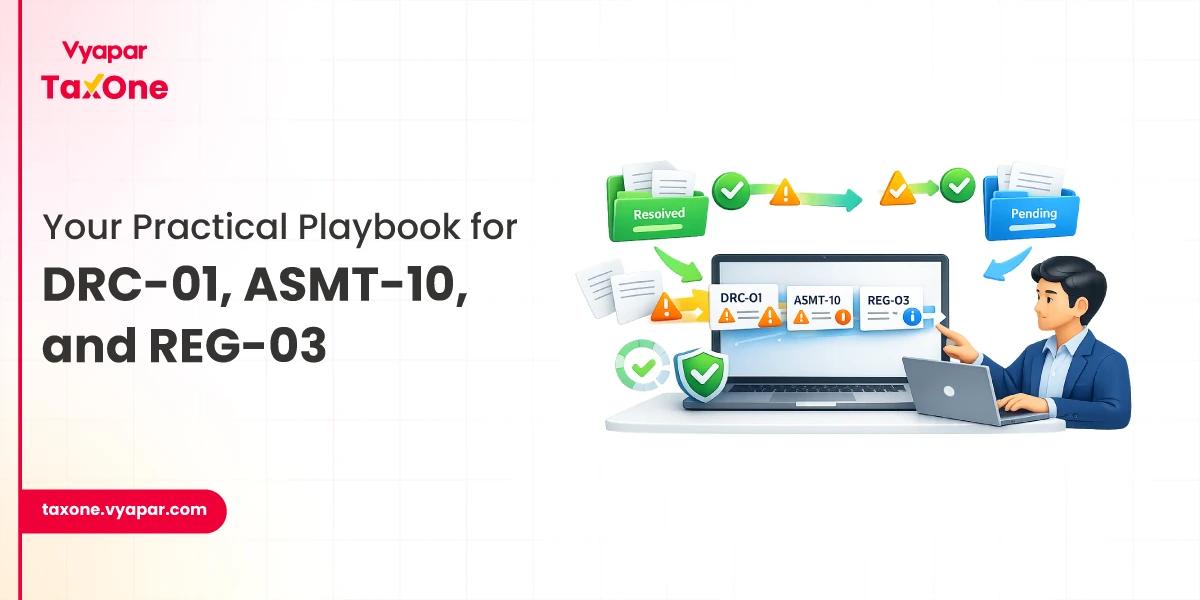
For professionals managing notices for multiple clients or entities, it can be challenging to obtain a comprehensive view of all notices and their statuses. Without proper oversight, it’s easy to lose track of which notices have been resolved and which are still pending.
Managing GST notices and orders has never been easier thanks to Vyapar TaxOne’s GST Notice & Order Dashboard. Tax professionals can now streamline their workflow, reduce errors, and ensure timely responses to GST notices, all from a single, user-friendly platform.
By leveraging Vyapar TaxOne’s unique features, tax professionals can stay ahead of critical deadlines and improve overall compliance.
Take action today and experience the efficiency and peace of mind that comes with Vyapar TaxOne’s GST tracking solution.
Vyapar TaxOne’s GST Notice & Order Dashboard is a centralized platform that helps tax professionals track and manage GST notices and orders across multiple clients or entities in real-time, ensuring timely responses and reducing the risk of missed deadlines.
The Calendar View provides a visual overview of all due dates, color-coded for urgency. This allows tax professionals to prioritize notices, track deadlines easily, and stay on top of critical tasks.
Yes, Vyapar TaxOne’s Company View feature allows professionals to track notices for multiple clients or entities, providing a comprehensive and organized view of all ongoing matters.
Yes, Vyapar TaxOne’s platform syncs data automatically, ensuring that all notices and orders are updated in real-time, so tax professionals always have access to the latest information.


Get started today and simplify your accounting process!