Is Now Vyapar TaxOne | Same Trust, New Name!
 AI Weapon for Financial Soldiers


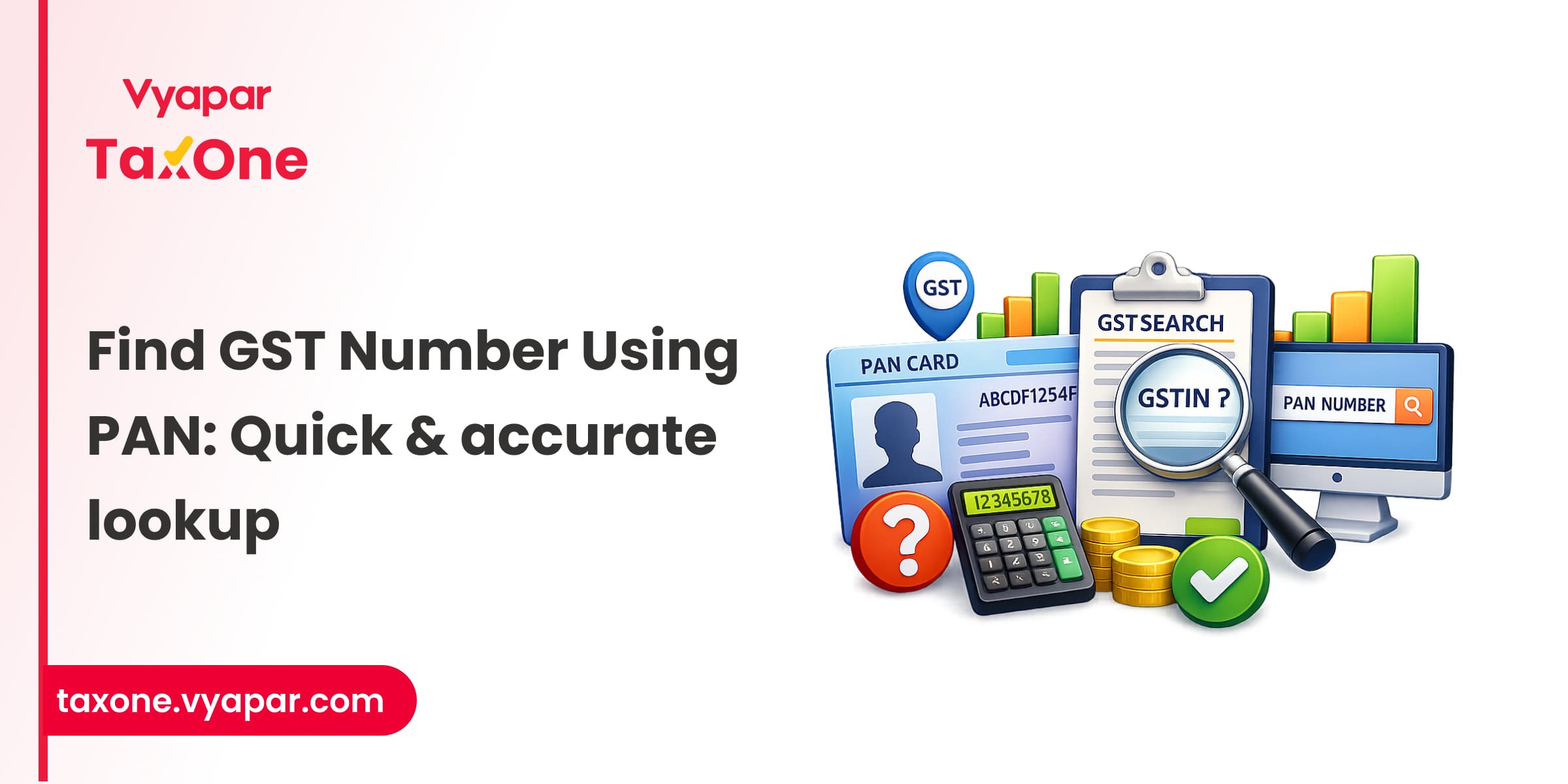
In India, the Goods and Services Tax (GST) has revolutionized the way businesses operate; however, with over 1.5 crore GST-registered businesses, keeping track of the correct GSTINs can be a daunting task.
Imagine you're about to sign a major deal, but the GST number is missing or invalid. That’s where the ability to search for a GST number by PAN becomes necessary.
It’s not just about avoiding tax issues; it’s about ensuring the legitimacy of your business partners, maintaining compliance, and protecting your own reputation.
In this blog, we’ll show you how to effortlessly search for GST numbers using PAN, making your business operations smoother, faster, and fully compliant with the law.
Both tax professionals and businesses need to verify a company's GSTIN using its PAN. This search ensures that the GST number is valid and properly registered, thereby preventing any potential compliance issues.
Tax professionals frequently need to validate GST numbers during audits or client assessments. Searching GSTIN by PAN helps avoid discrepancies and ensures accuracy during the filing process.
For business people, being able to look up GST numbers linked to a PAN is a quick way to verify supplier or client GSTINs, ensuring smooth transactions and avoiding any legal complications.
Searching for a GST number by PAN is a simple and efficient process. Follow these step-by-step instructions to search GSTIN using a PAN.
The first step is to visit the official GST portal at Search by PAN.

This is the government’s official website for all things related to GST in India. Ensure you're on the official website to avoid using third-party sites that could jeopardize your data security.
Input the PAN number accurately in the provided field. Be sure to double-check the PAN details to ensure they are entered correctly. A minor error in the PAN number may result in incorrect or no search results.
After entering the PAN number, you will be asked to type the CAPTCHA characters.
Here for example, we are taking Reliance PAN number: AAACR5055K

Once you've entered the PAN & CAPTCHA, the portal will display the GST details associated with the PAN, including the GSTIN, registration status, jurisdiction, and business name.

This allows you to verify the legitimacy of the business and ensure the GST number is active.
Like shown in the image, it will display all the GSTIN/UIN associated with that PAN number.
For additional verification, cross-check the information with other available sources. Suppose the GST number is inactive or there are discrepancies in the business name or details.
In that case, it’s essential to verify the information further with the business or through the GST helpdesk.
But you can first verify it by clicking on any GSTIN from the list, you will be able to see the Taxpayer’s all details like this:

One of the most common issues when searching for a GST number is incorrect PAN entry. Ensure that the PAN number is entered in the correct format, with no spaces or typos. If the PAN entered doesn’t match any registered GST number, you may need to check with the business or update the PAN details.
Sometimes, businesses may have an inactive or suspended GSTIN. This could occur for several reasons, such as failure to file returns or non-compliance with GST regulations.
In such cases, the GSTIN will not appear as active in the search. If you find an inactive status, further investigation or direct communication with the business is recommended.
Occasionally, users may experience technical issues or glitches on the GST portal. If the website is down or the search functionality is not working, try again later. You can also contact the GST helpdesk for support if the problem persists.
As a tax professional, verifying a GST number by PAN is vital for conducting audits. Ensure that the GST numbers linked to the PAN are valid and correspond to the correct business. This verification helps identify any inconsistencies or fraudulent activity in tax filings, which is crucial for compliance.
For tax professionals assisting clients with their GST registration process, searching for GST numbers by PAN is essential for guiding them through the proper registration and verification process. Ensure that your clients’ business PAN is linked to the correct GSTIN to avoid any legal or financial complications.
Searching for a GST number by PAN is a straightforward and effective method to ensure business compliance and verify tax details in India.
By following the steps outlined above, you can easily access GST information for businesses and individuals, improving audit accuracy and reducing the risk of fraud.
It is essential for both businessmen and tax professionals to regularly verify GSTINs to ensure smooth operations and full compliance with India’s tax laws.
By following this structured guide, business owners and tax professionals can efficiently search for GST numbers by PAN, ensuring smoother compliance, stronger business relationships, and more accurate audits.
To search GSTIN by PAN, visit the official GST portal, navigate to the ‘Search Taxpayer’ section, select ‘Search by PAN’, and enter the PAN details. The portal will display the associated GST number along with the business details.
The process is the same as searching for GST by PAN. Simply input the PAN number in the provided field on the GST portal and access the corresponding GSTIN and registration details.
Yes, you can search for GSTINs linked to multiple businesses using their respective PAN numbers, but each search must be performed individually by entering the correct PAN number.
Yes, you can search for GSTIN by PAN on the GST portal without logging in. Go to the "Search Taxpayer" section, select "Search by PAN", and enter the PAN to view GST details.
If no GSTIN appears, check for possible issues like an incorrect PAN, the business not being registered under GST, or the GST being suspended. Verify the PAN and try again, or contact the GST helpdesk for assistance.


Get started today and simplify your accounting process!