Is Now Vyapar TaxOne | Same Trust, New Name!
 AI Weapon for Financial Soldiers



According to McKinsey research, employees devote 45% of their time to manual tasks that can be automated, revealing substantial productivity losses due to the manual efforts.
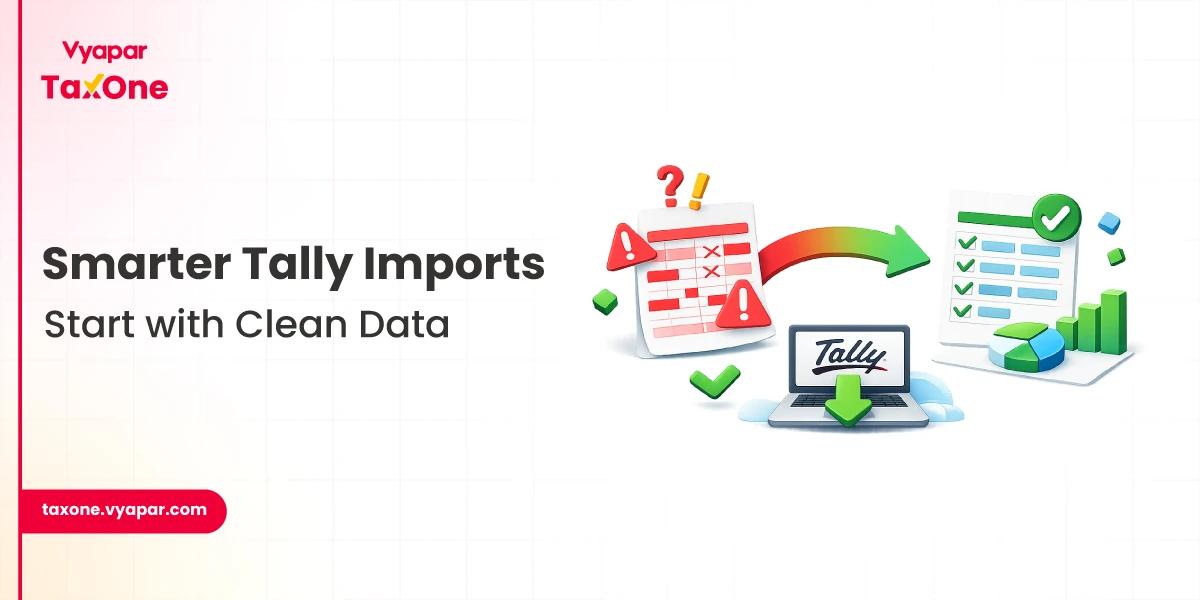
For Chartered Accountants in India, manually transferring data from Excel to Tally ERP consumes valuable time and increases the risk of errors, impacting compliance and efficiency.
Automating this process using Vyapar TaxOne can greatly enhance accuracy and speed.
This blog provides a practical, step-by-step guide for CAs to streamline Excel to Tally conversion while ensuring regulatory compliance.
The accounting process often involves generating transaction data in Excel before migrating it to Tally for official bookkeeping. Some challenges include:
Addressing these challenges through automation can dramatically improve the accuracy and speed of bookkeeping tasks.
India’s regulatory framework, including GST provisions and digital record-keeping mandates, compels accurate and timely accounting. The Institute of Chartered Accountants of India (ICAI) stresses compliance with digital formats and audit-readiness. Recent updates highlight:
Automated Excel to Tally processes ensure consistency with these regulatory obligations.

Ensure your Excel sheet is formatted according to Vyapar TaxOne’s guidelines. Include all relevant details such as ledger accounts, voucher types, transaction dates, amounts, GST information, and, if applicable, stock item details for bulk creation.
Sign in to your Vyapar TaxOne account at taxone.vyapar.com. From the dashboard, choose the appropriate upload option based on your data type, such as vouchers, ledgers, or stock items. For creating stock items in bulk, use the “Item” bulk upload feature and select your prepared Excel file.
Use the mapping interface to align the columns in your Excel sheet with the corresponding fields that Vyapar TaxOne requires to process the data accurately. This step ensures that each piece of data, whether vouchers, ledgers, or stock items is correctly interpreted.
Vyapar TaxOne automatically validates your data for accuracy and completeness, including checks for ledger consistency. If any errors or warnings are detected, you will be prompted to review and correct them within the platform.
Once validated, Vyapar TaxOne processes the uploaded data and sends it directly into your Tally company data. This automated synchronization eliminates the need for manual data entry and ensures your Tally records are up to date.
Open your Tally ERP software and review the imported data, including vouchers, ledgers, and stock items, to ensure everything has been accurately transferred and reflected.
Note: For a visual guide of these steps, click here!
CA Riya Goyal shares her positive experience with Vyapar TaxOne, highlighting how the platform significantly streamlines Excel to Tally conversion and reduces manual workload. Her insights emphasize the practical benefits Vyapar TaxOne offers to Chartered Accountants seeking accuracy and time savings.
Automating your Excel to Tally conversion using Vyapar TaxOne eliminates manual errors, accelerates processes, and ensures compliance. Embrace Vyapar TaxOne to boost your firm’s productivity and accuracy while focusing more on strategic advisory services.
A: You can use automation platforms like Vyapar TaxOne that allow you to upload Excel files, map data to Tally fields, validate, and sync data directly with Tally software, eliminating manual entry.
A: Yes, Vyapar TaxOne offers a bulk upload feature specifically for stock items, enabling easy import of large inventories directly from properly prepared Excel sheets.
A: Vyapar TaxOne supports Excel files and also processes data from PDFs and scanned PDFs, providing flexibility in handling different source document formats.
A: Absolutely. Validation ensures accuracy, compliance with GST rules, and prevents errors in ledgers and vouchers. Vyapar TaxOne provides automated validation to check your data before syncing with Tally.
A: Yes, Vyapar TaxOne is compatible with both Tally ERP 9 and TallyPrime, making it suitable for various versions of Tally ERP software used by accounting professionals.


Get started today and simplify your accounting process!