Is Now Vyapar TaxOne | Same Trust, New Name!
 AI Weapon for Financial Soldiers


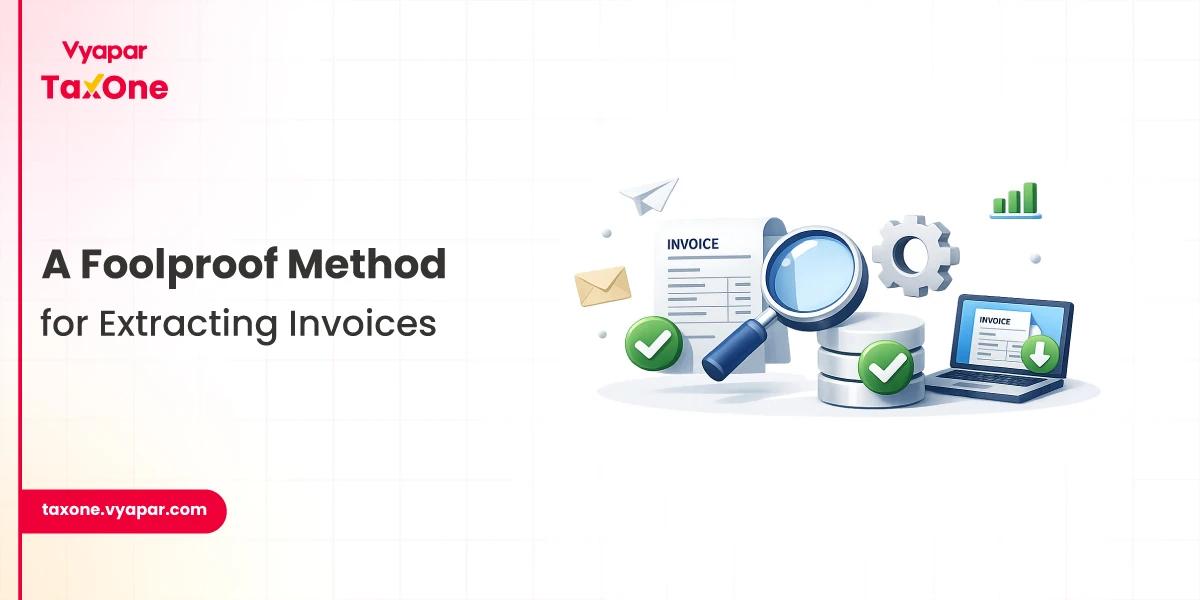
Invoice extraction is one of the fastest ways for accountants, CAs, and tax professionals to reduce manual invoice entry work. Every invoice contains important details such as invoice number, date, GSTIN, vendor name, taxable amount, tax value, and total invoice amount. Entering these details manually into accounting software can take a lot of time and may also lead to errors.
With automated invoice data extraction, you can upload invoices, extract key details, review the data, and send it to Tally with less manual effort. This helps tax professionals save time, improve accuracy, and manage high invoice volumes more efficiently.
Invoice extraction is the process of capturing important details from invoices and converting them into structured accounting data. These details may include invoice number, invoice date, supplier name, GSTIN, taxable value, tax amount, item details, and total invoice value.
Instead of manually typing invoice details, invoice data extraction software reads the invoice and extracts the required information.
This is useful for accountants and CAs who regularly process purchase invoices, sales invoices, scanned invoices, PDFs, and image-based invoices.
Earlier, accountants and chartered accountants relied on manual methods to collect data from invoices. This meant checking each invoice individually and noting key details such as invoice date, invoice number, amount, GST details, and payee information. While this traditional method worked in the past, it is time-consuming and less efficient in today’s fast-moving digital accounting environment.
Invoices are important financial documents because they provide a clear record of business transactions. However, extracting useful information from multiple invoices requires accuracy, attention to detail, and significant manual effort. This becomes even more challenging when tax professionals must manage large volumes of invoices for multiple clients.
This is where automated invoice extraction becomes useful. Modern accounting tools can help automate the capture of invoice details, reducing manual work and lowering the risk of errors. With automated invoice data extraction, accountants and tax professionals can save time, improve accuracy, and process invoice information more efficiently.
Imagine a tool that could quickly and efficiently sort through mountains of invoices to find and extract relevant information. Advanced Optical Character Recognition (OCR) technology is used by invoice extraction software to identify text and numbers on invoices. Important information like invoice numbers, dates, line items, and more can be identified by it.
Using Vyapar TaxOne as an Invoice extractor is as simple as cutting a cake. Vyapar TaxOne not only extracts the data from your invoice, but it directly sends it to Tally in a few minutes! Can’t believe it? See here how you can use Vyapar TaxOne to extract data from invoice: After signing in Vyapar TaxOne, follow the steps as shown:

In this, choose the company and the type of invoice you want to proceed with. Then, upload an image of the invoice.

 Upon clicking, your screen will have an invoice on one side and the details on the other side.
 Vyapar TaxOne will fetch up the data from your invoice. But, still you get an option if you want to edit the data manually.
Also Read: Learn the Difference Between Invoicing and Accounting Software
You can configure parameters as per your choice. Click on the Configuration button, in the top right corner. You’ll get the ledger options as shown below:


 Upon finishing with the details, click on the save button from the configuration pop-up.
Now, you will see a Save & Send option in the bottom right corner. Click on it to send the data to Tally.
And now you know how much easier it is to extract data from invoices using Vyapar TaxOne!
Upon finishing with the details, click on the save button from the configuration pop-up.
Now, you will see a Save & Send option in the bottom right corner. Click on it to send the data to Tally.
And now you know how much easier it is to extract data from invoices using Vyapar TaxOne!
Invoice extraction helps tax professionals process invoices faster and with better accuracy. It reduces repetitive manual entry and allows accountants and CAs to focus more on review, compliance, reconciliation, and client work.
Key benefits include:
Tax professionals can continue to use their expertise by tailoring Vyapar TaxOne to meet specific requirements, even though automation handles the heavy lifting.
Vyapar TaxOne as an invoice extraction tool enables the validation of data that has been extracted, allowing for the smooth fusion of human judgment with the effectiveness of automation. So what are you waiting for, take a seven day free trial to experience a simple way to do invoice extraction!
Processing of documents: Vyapar TaxOne can automatically process bank statements, invoices, and receipts. In addition to saving you time and effort, this also helps to guarantee the accuracy of your data.
Bank Reconciliation: Your bank statements can be automatically reconciled by it. This guarantees that your bank balance is accurate and that your records are current.
Client Management: Vyapar TaxOne can assist you in managing the data of your clients. This entails keeping track of their payments, invoices, and contact details.
Collaboration: It enables you to work together on accounting assignments with your team members. This could lead to increased productivity.
Invoice extraction is the process of automatically capturing key details from invoices, including invoice number, date, GSTIN, vendor name, taxable value, tax amount, and total invoice value.
Invoice data extraction means extracting specific invoice fields from PDFs, scanned invoices, images, or digital invoices and converting them into usable accounting data.
Invoice extraction helps accountants and CAs save time, reduce manual data entry, improve accuracy, and process large numbers of invoices more efficiently.
Yes. Invoice extraction reduces the need to enter invoice details into accounting software manually. The extracted data can be reviewed and corrected before final use.
Yes. Invoice data extraction can help capture GST-related details such as GSTIN, taxable value, CGST, SGST, IGST, and total invoice value, making accounting and GST preparation easier.
Yes. With Vyapar TaxOne, users can extract invoice data, review it, configure details, and send the data to Tally.

Get started today and simplify your accounting process!